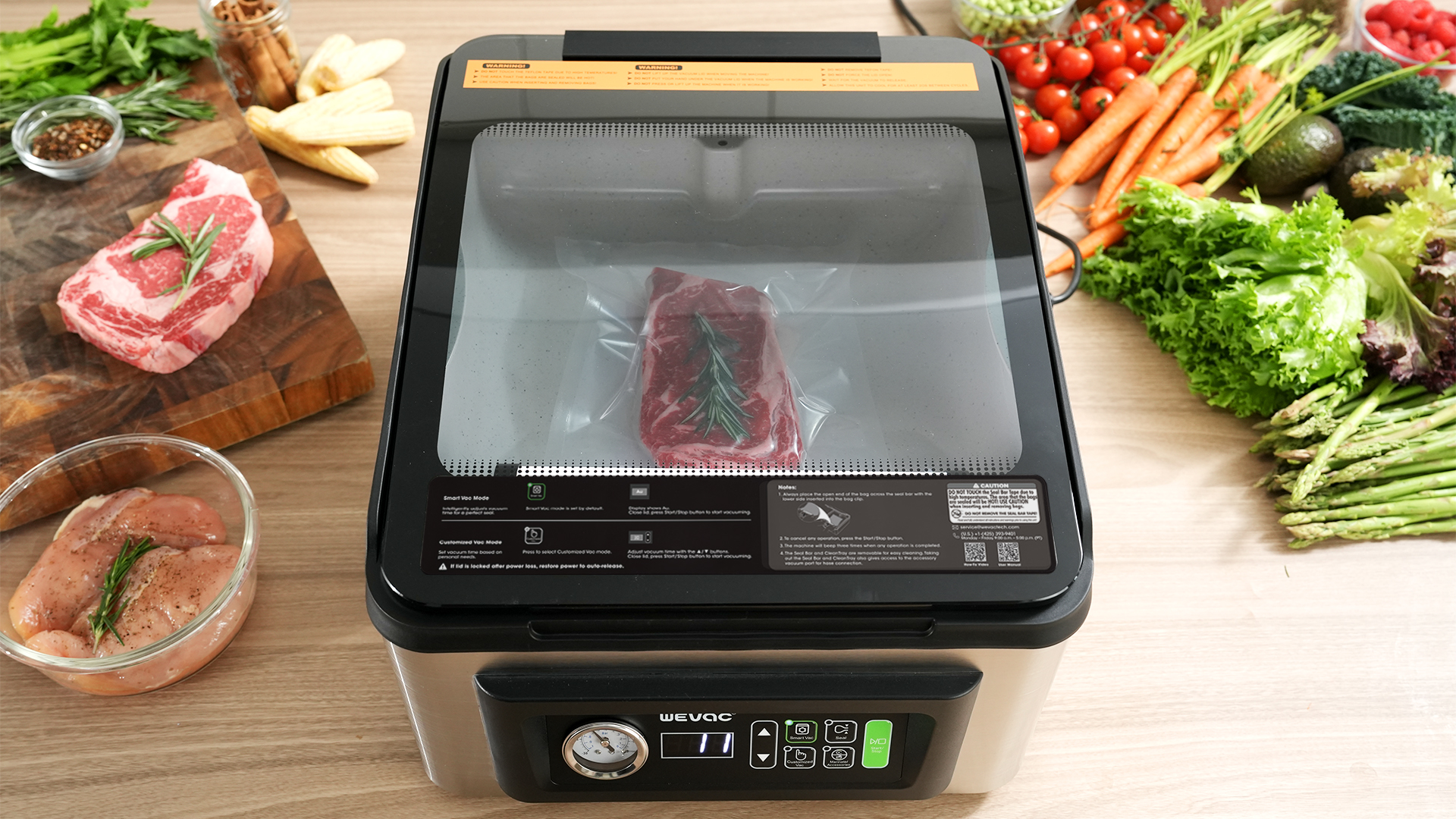
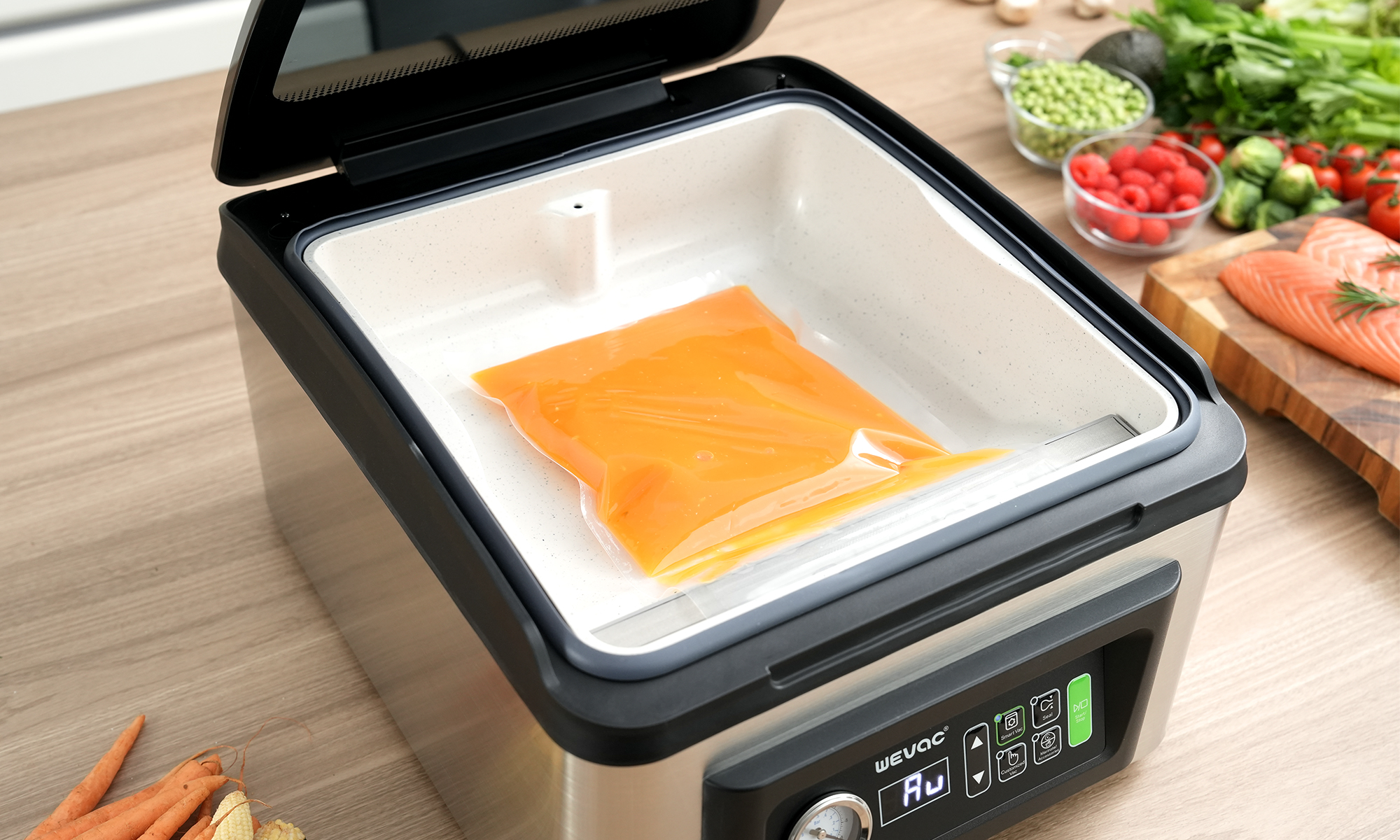
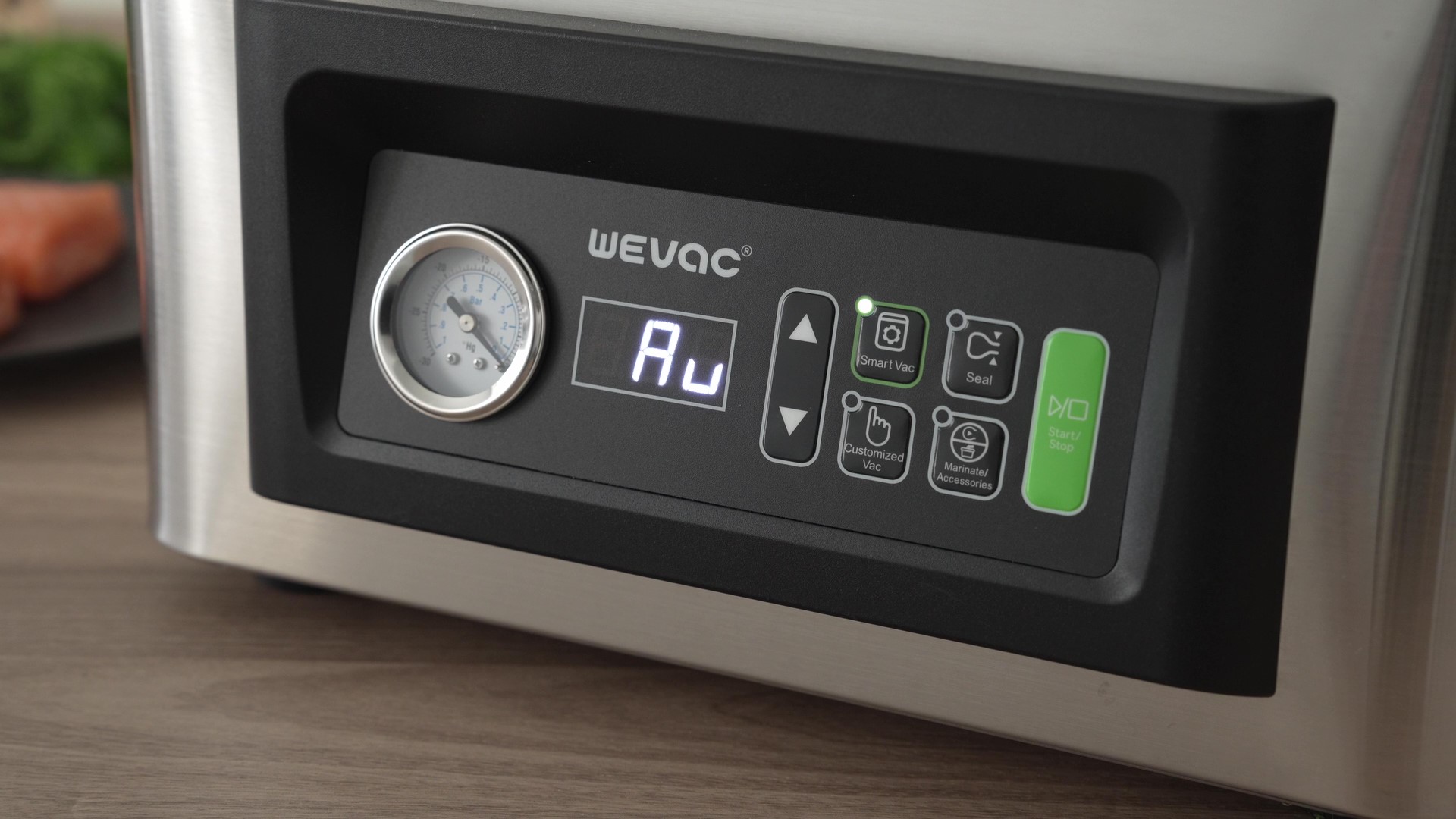
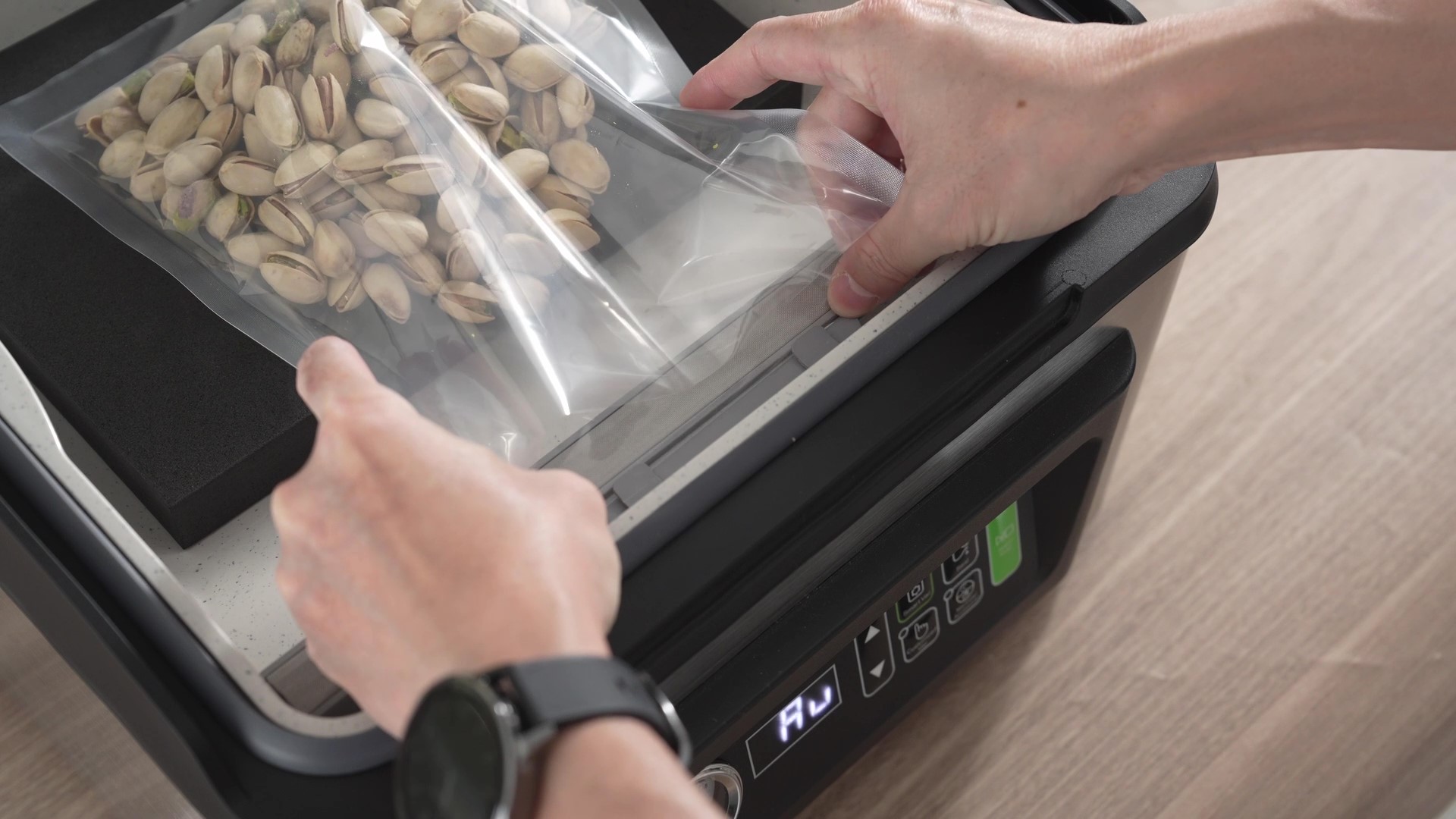
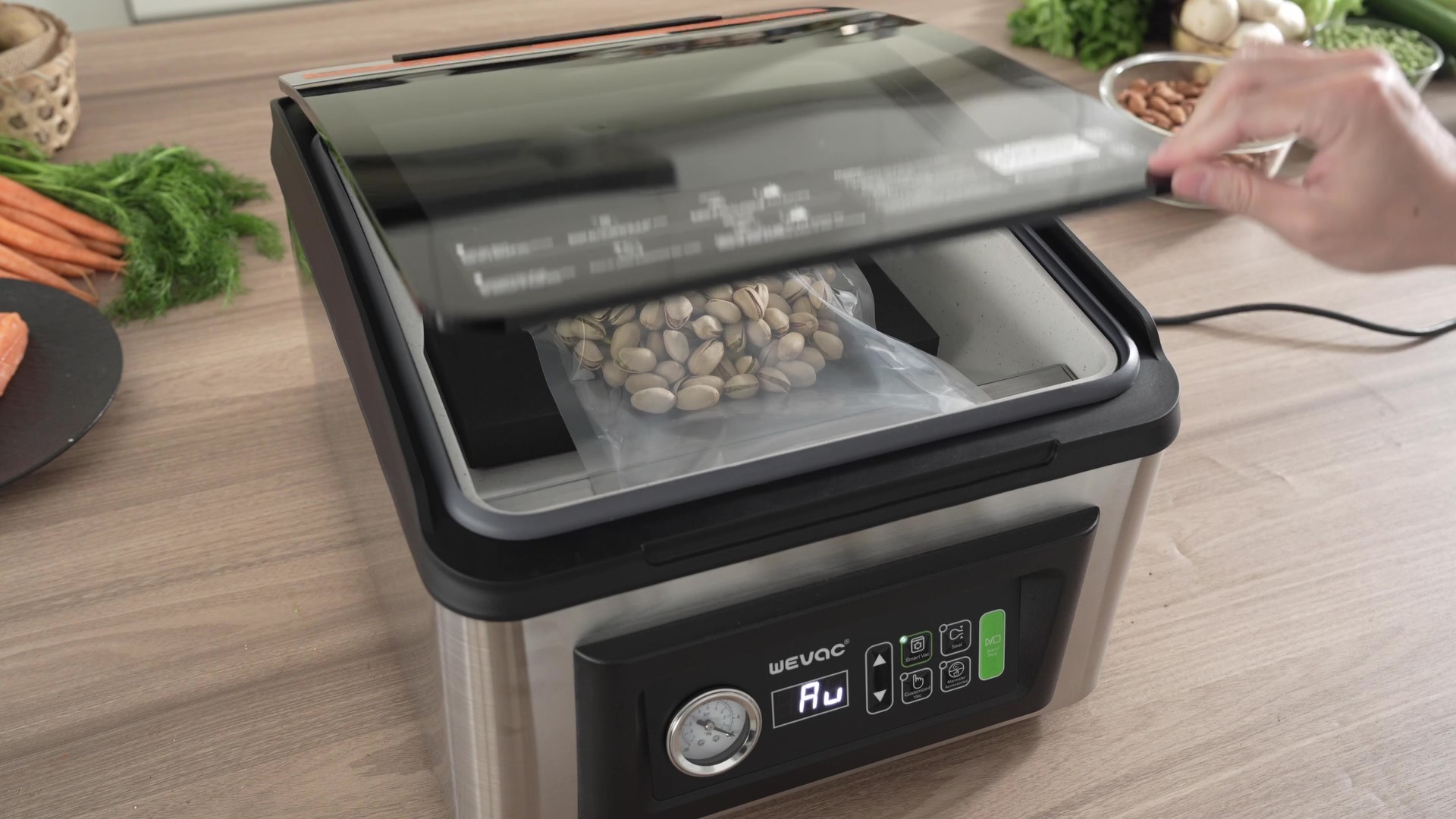
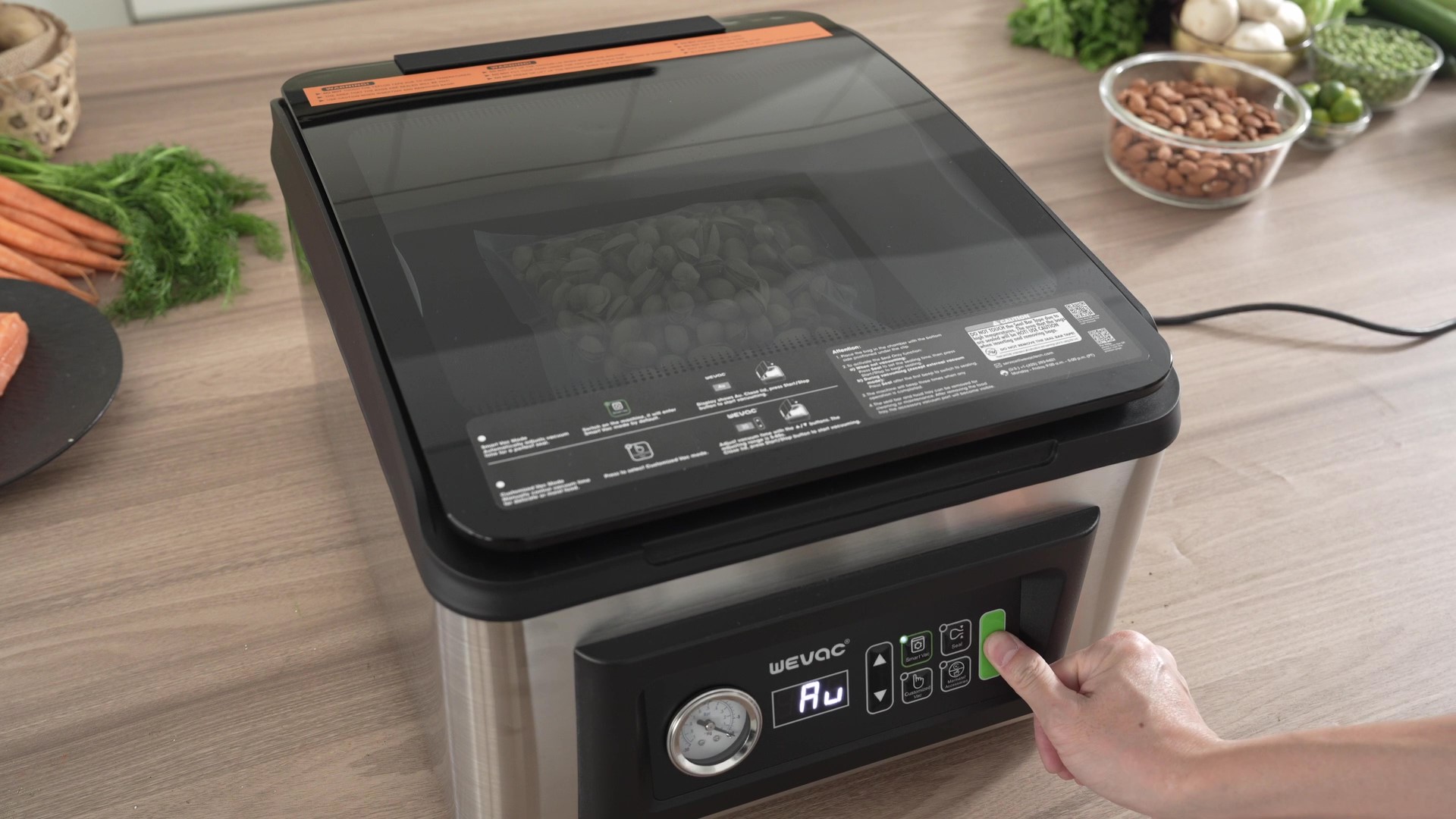
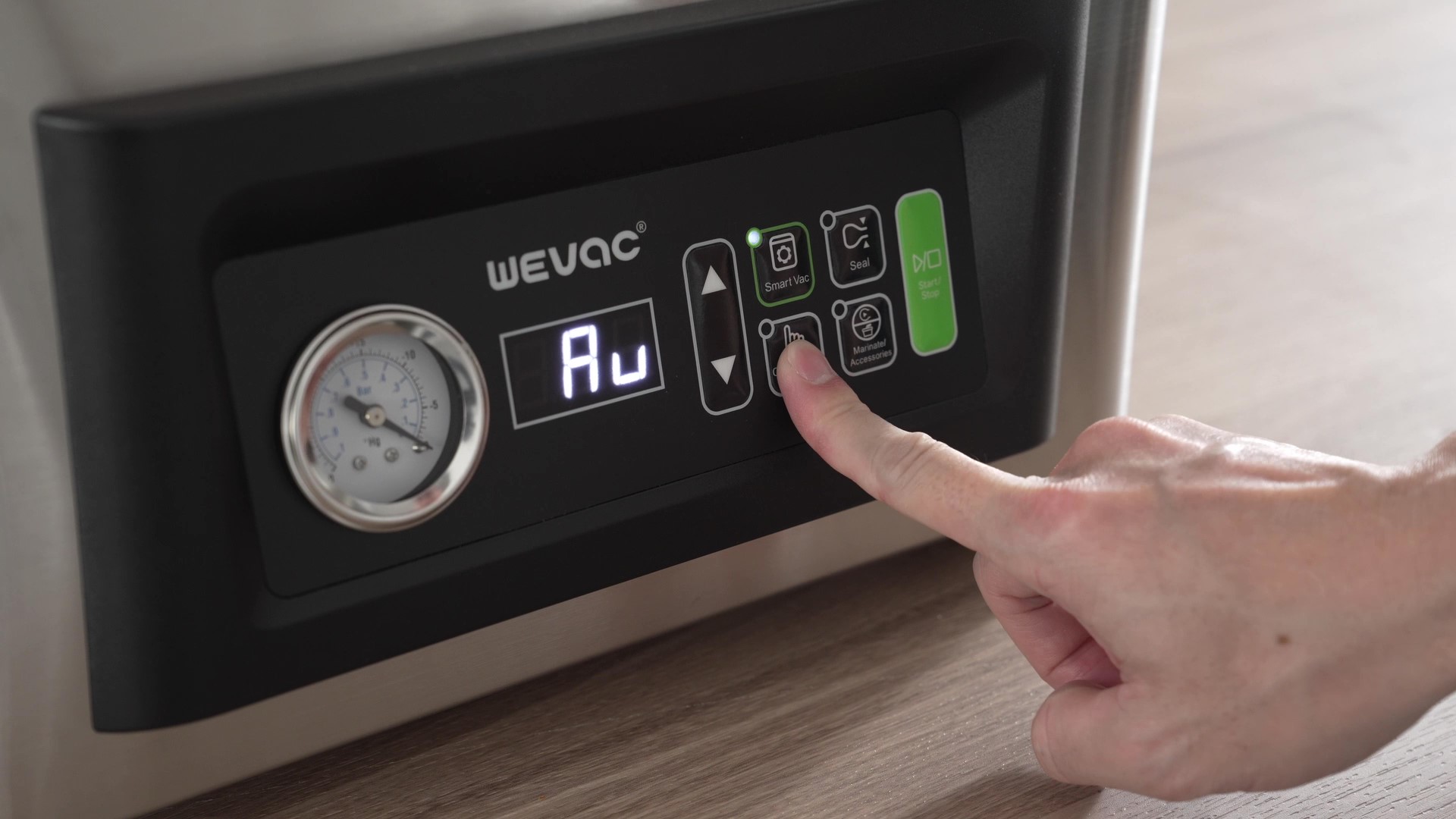
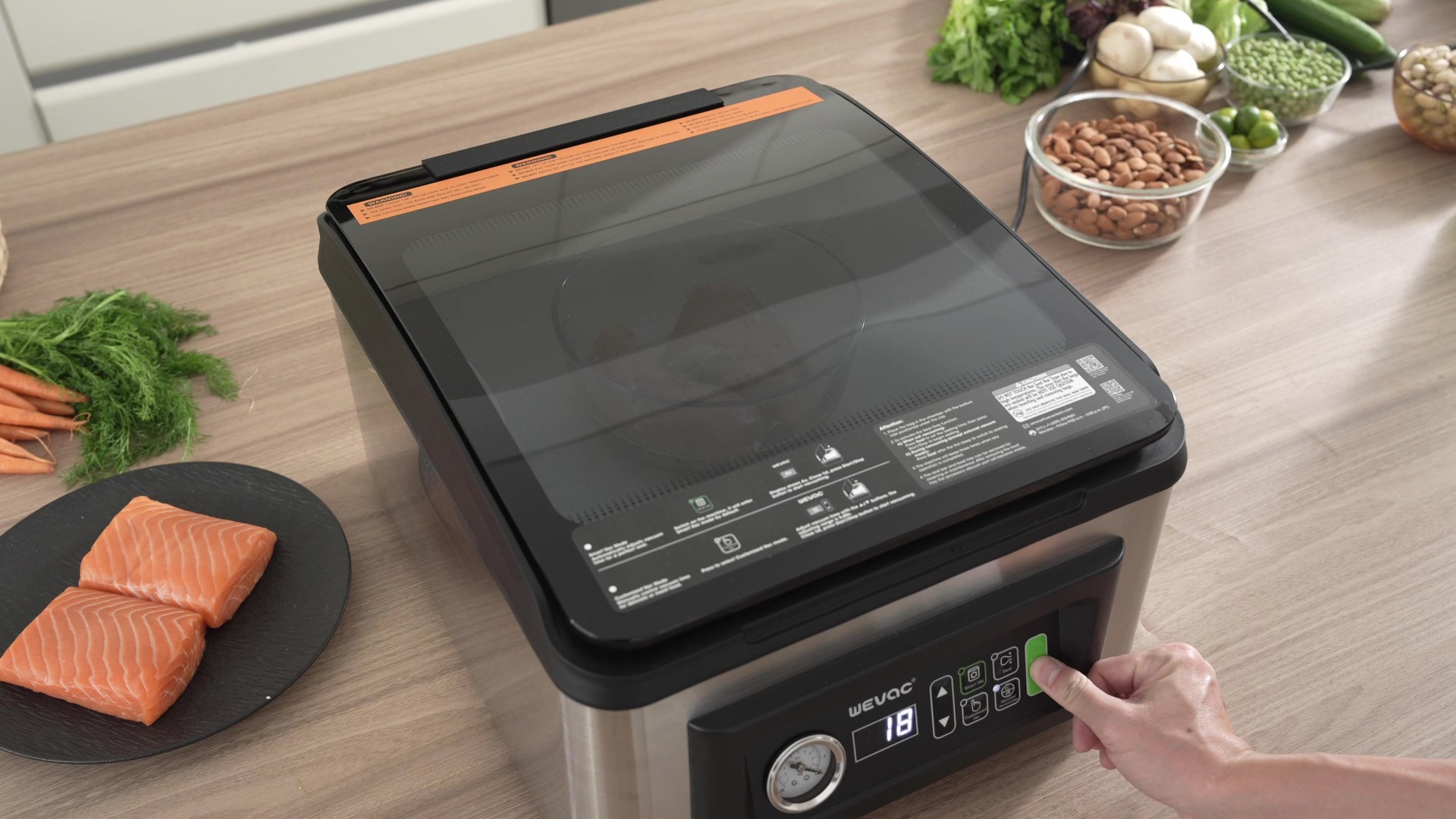
1. Power on the machine to automatically enter Smart Vac Mode.
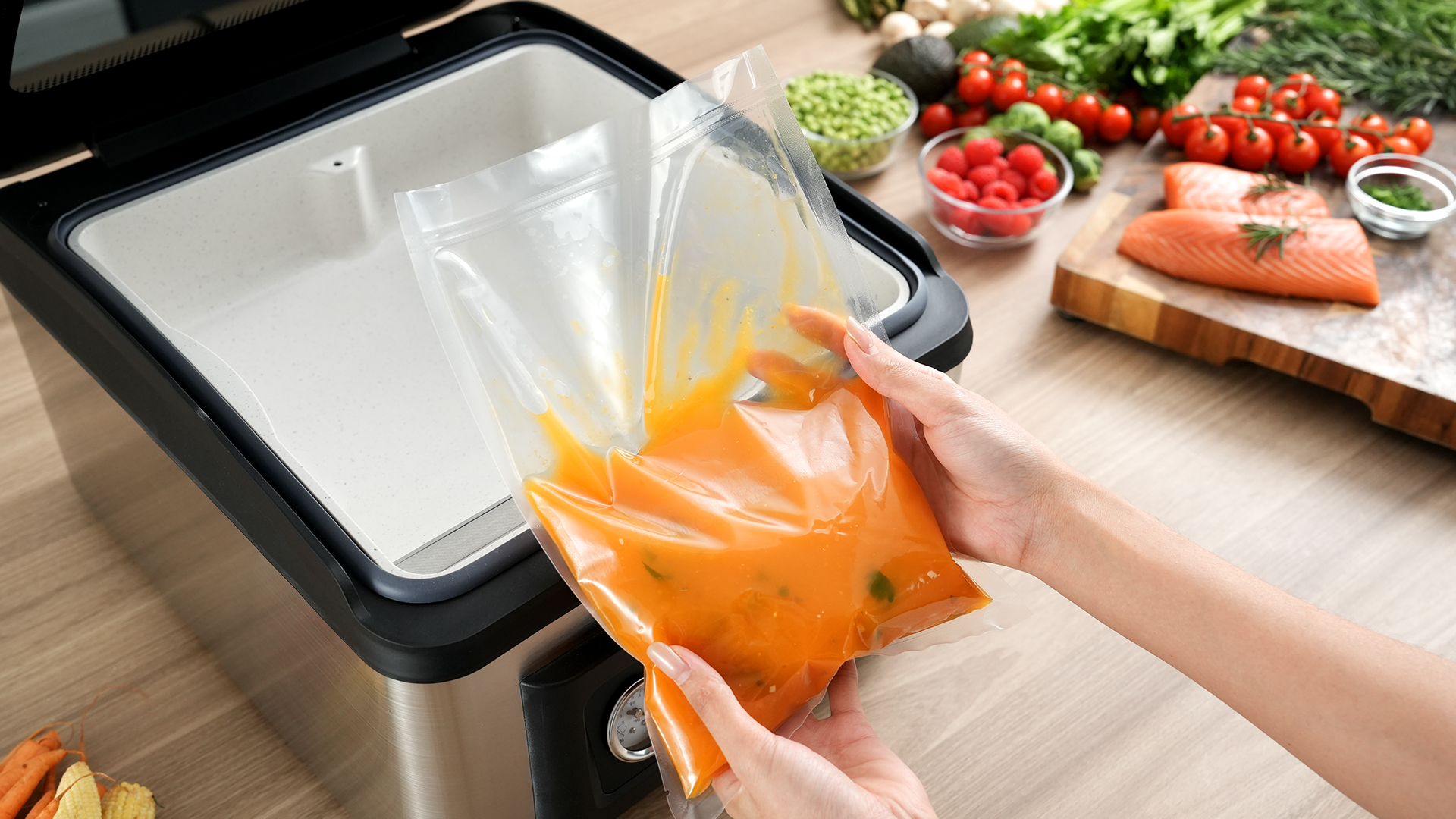
2. Place the bag in the chamber and tuck the bag's lower edge into the bag clip.
3. Close the lid.
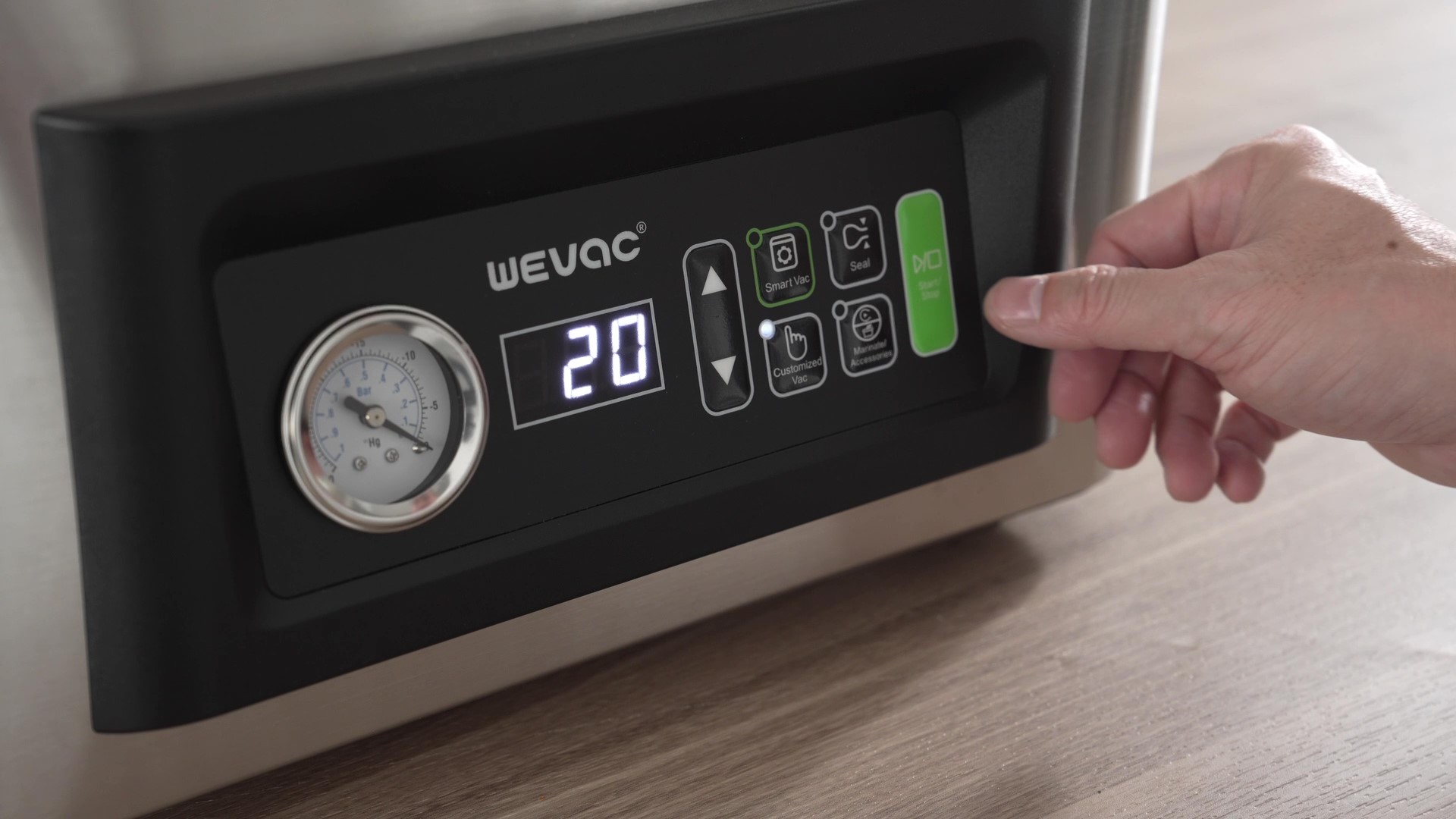
4. Press the Start/Stop button to initiate the smart vacuum and sealing process.
1. Power on the machine to automatically enter Smart Vac Mode.
2. Place the bag in the chamber and tuck the bag's lower edge into the bag clip.
3. Close the lid.
4. Press the Start/Stop button to initiate the smart vacuum and sealing process.
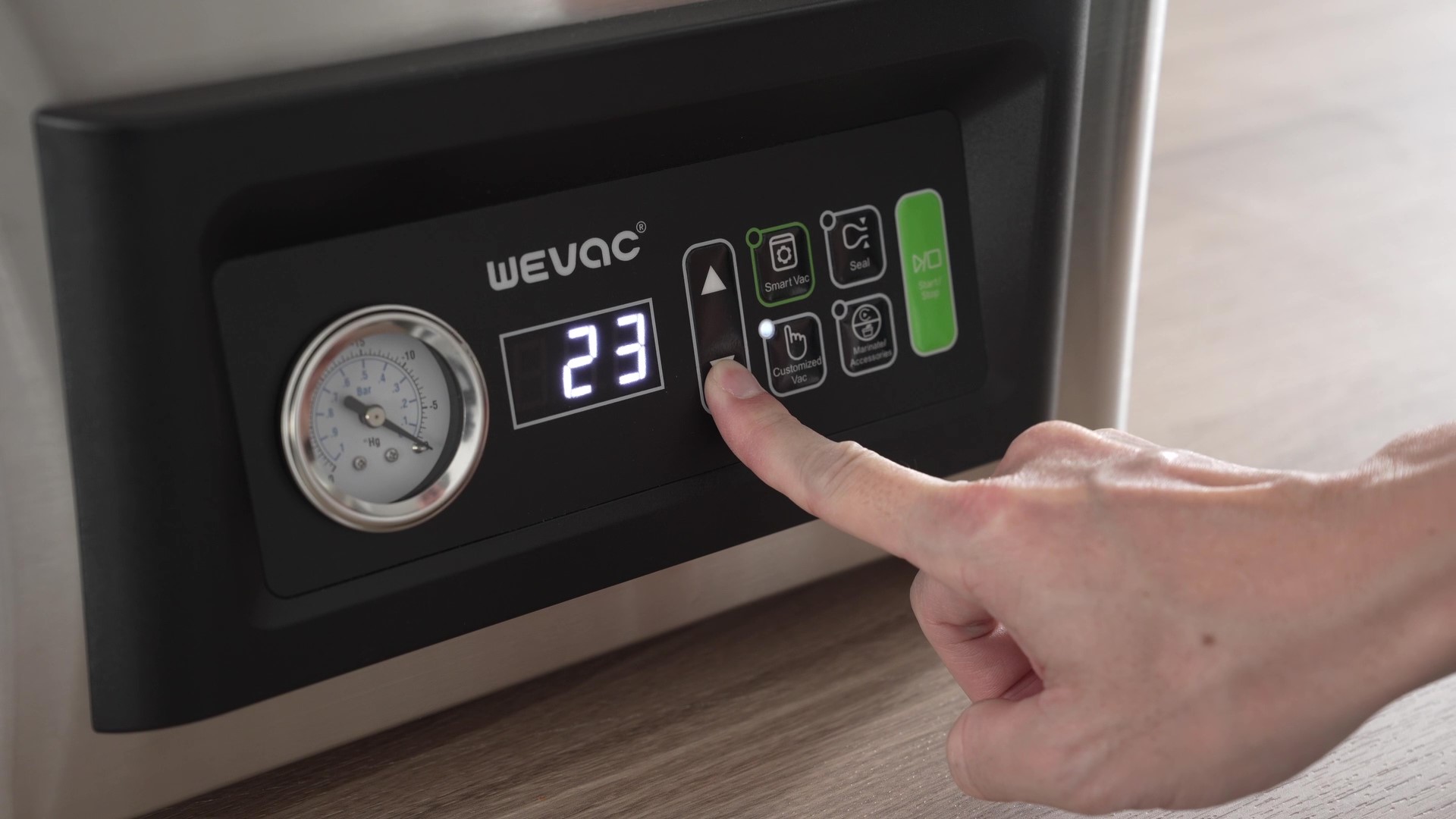
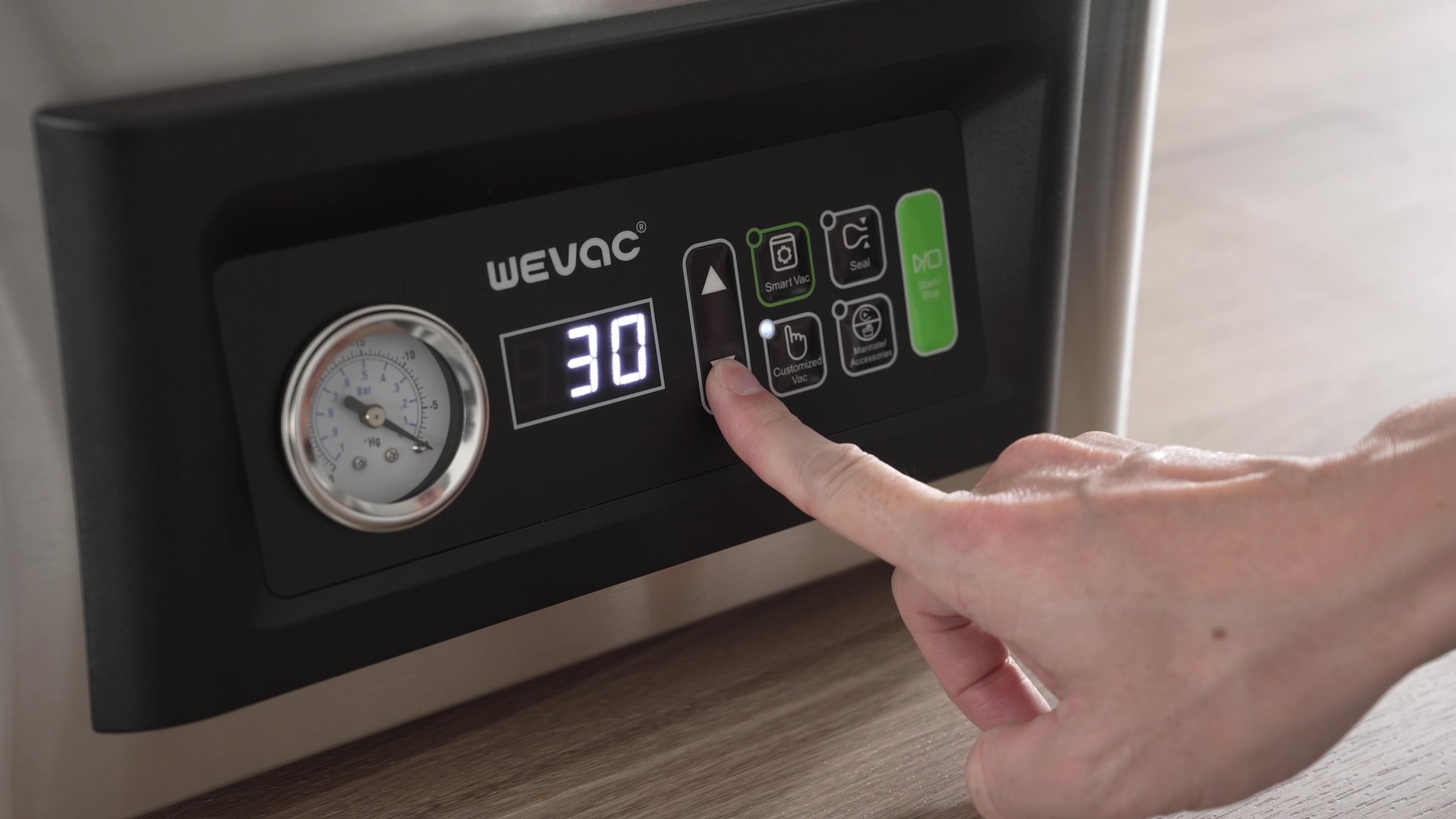
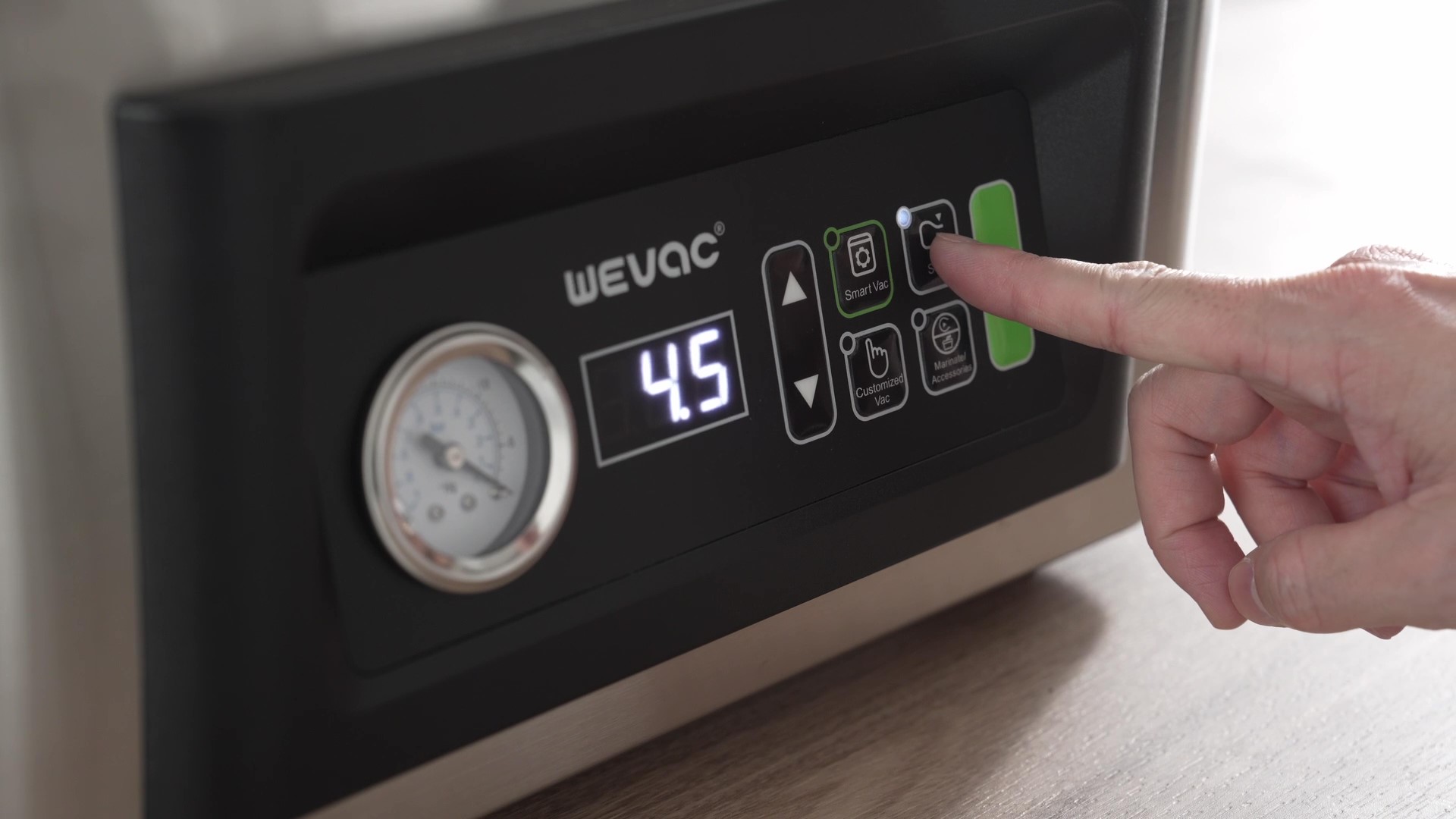
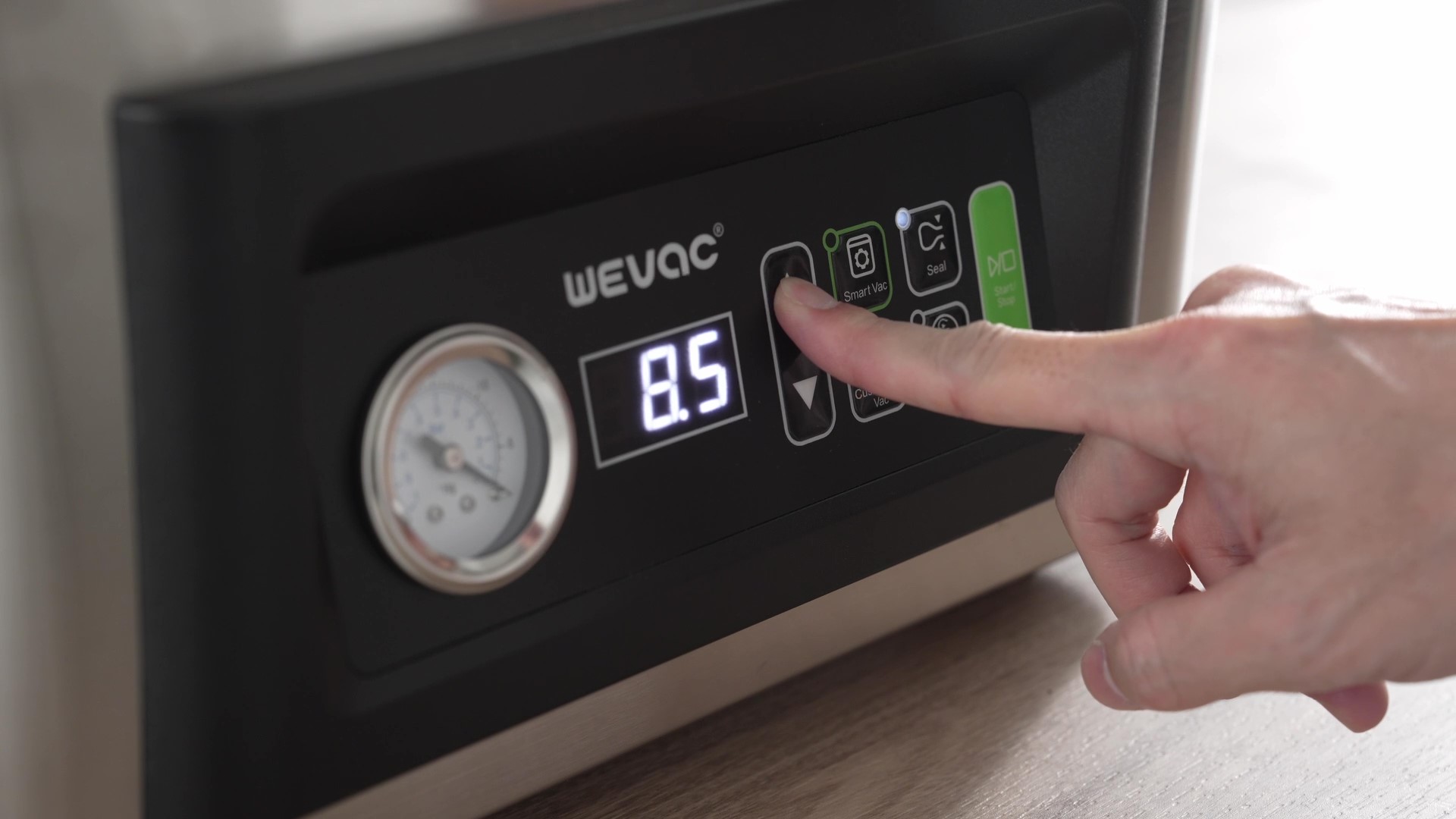
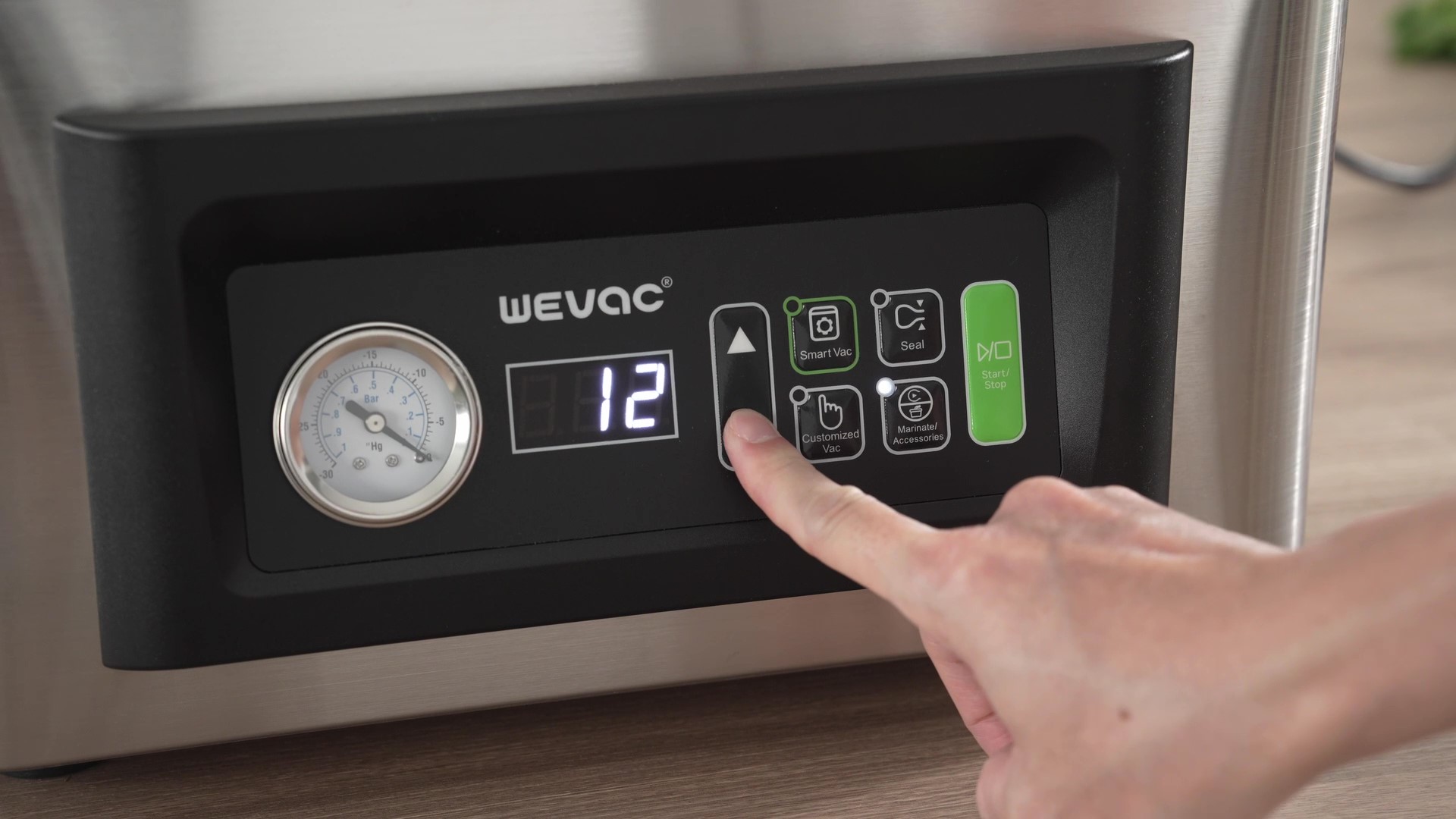
1. Press the Customized Vac button.
2. Adjust the vacuum time with arrow buttons.
3. Close the lid and press the Start/Stop button to begin the vacuum and sealing process.
1. Press the Customized Vac button.
2. Adjust the vacuum time with arrow buttons.
3. Close the lid and press the Start/Stop button to begin the vacuum and sealing process.
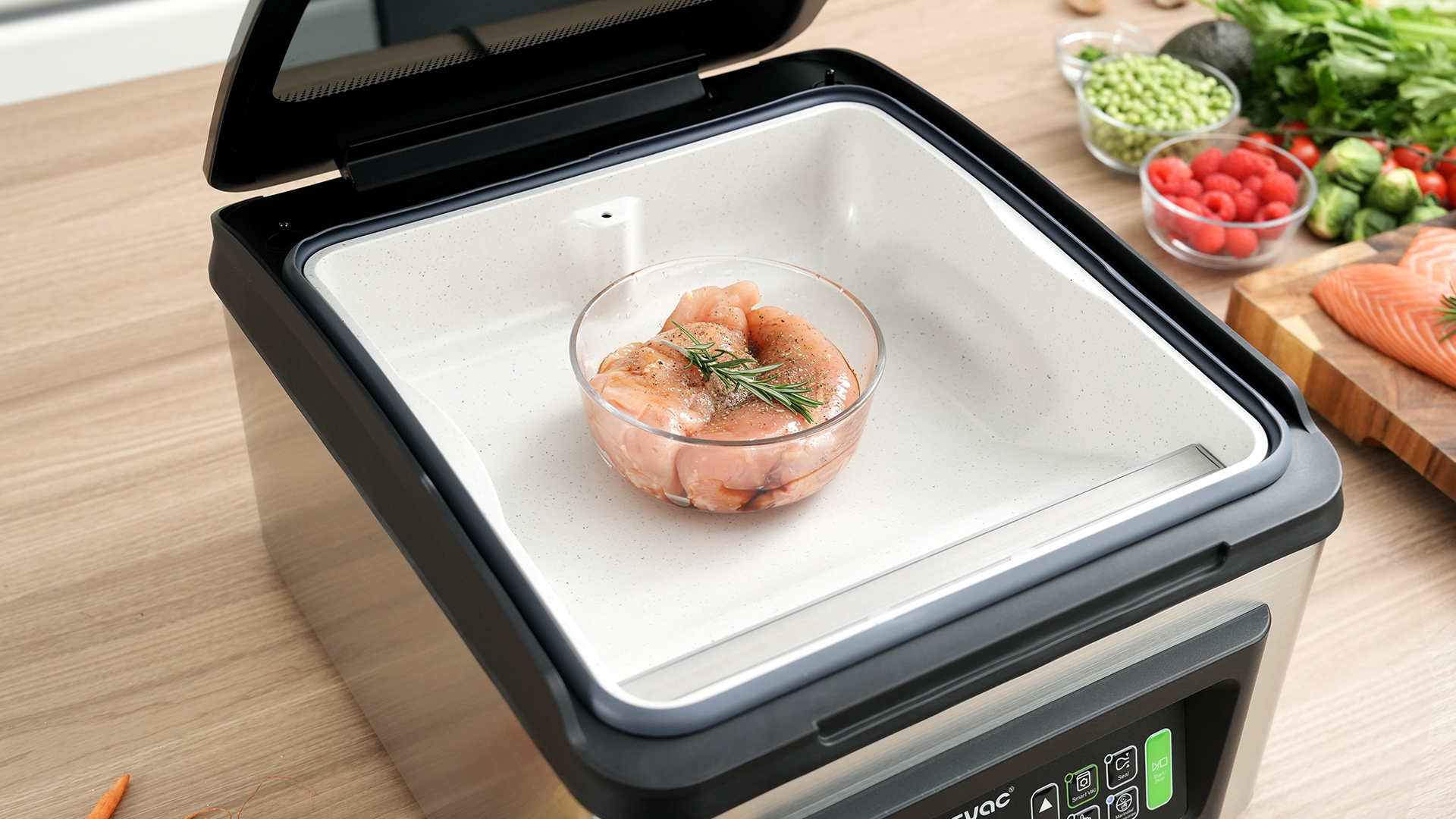
1. Place the food in the chamber and close the lid.
2. Press Marinate/Accessories to select the Marinate option. The default is 18 minutes. Adjust the time with arrow buttons
3. Press the Start/Stop button to begin the vacuum marination cycles.
1. Place the food in the chamber and close the lid.
2. Press Marinate/Accessories to select the Marinate option. The default is 18 minutes. Adjust the time with arrow buttons
3. Press the Start/Stop button to begin the vacuum marination cycles.
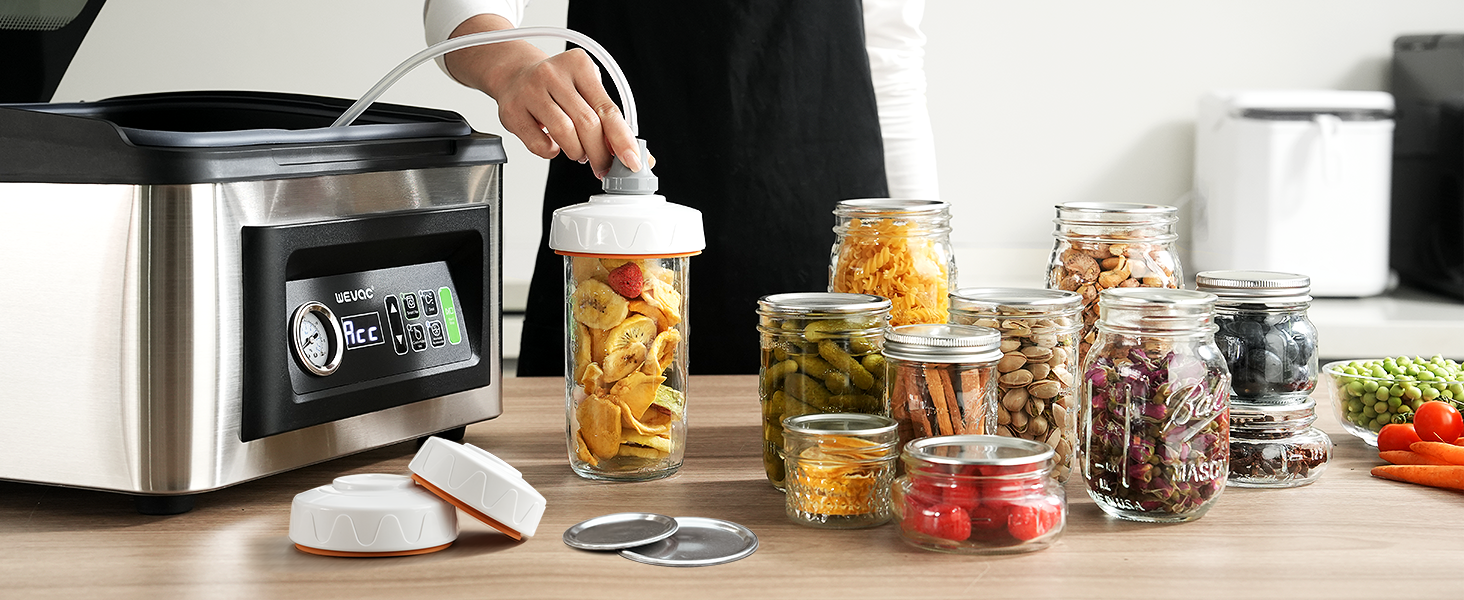
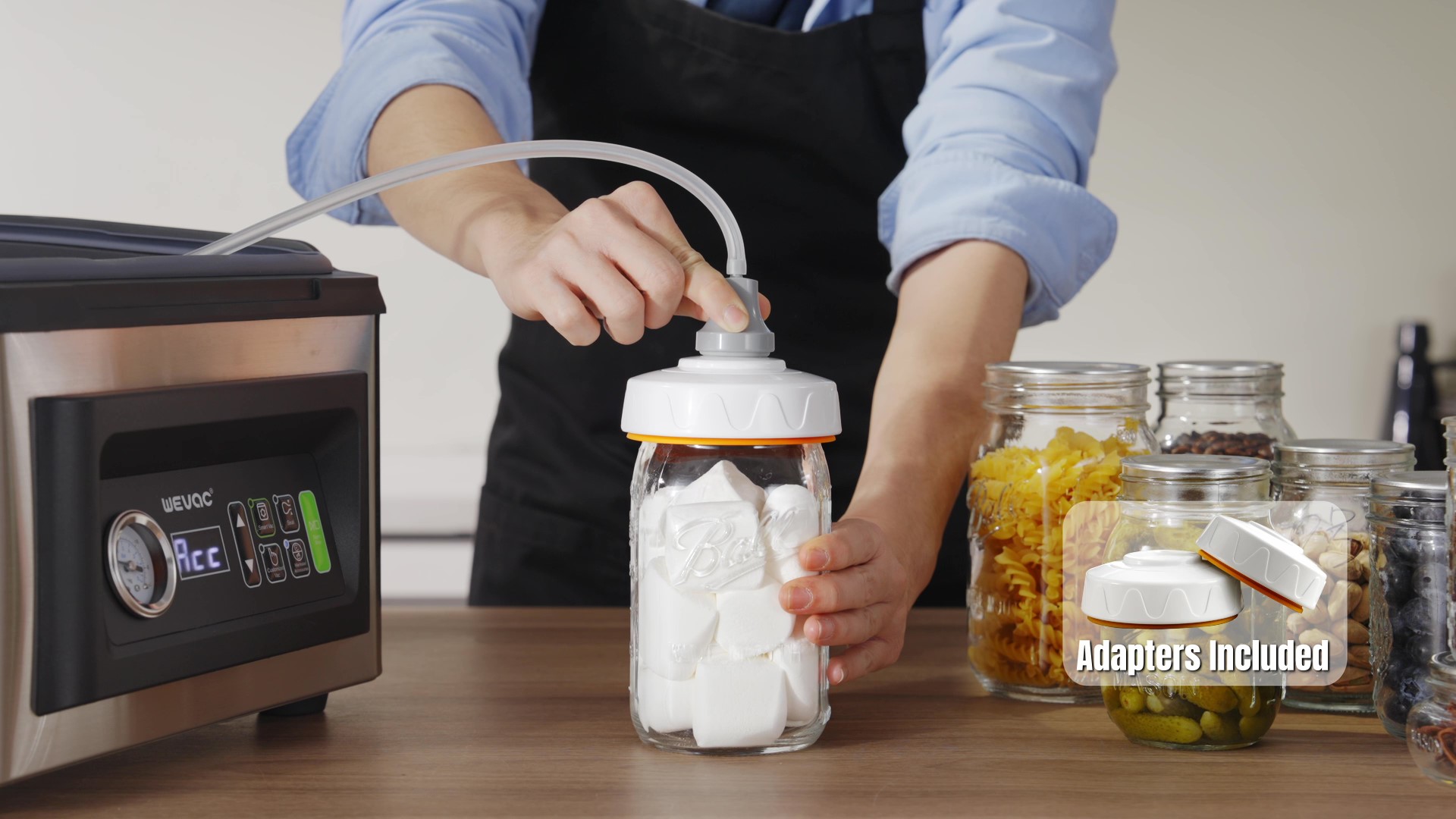
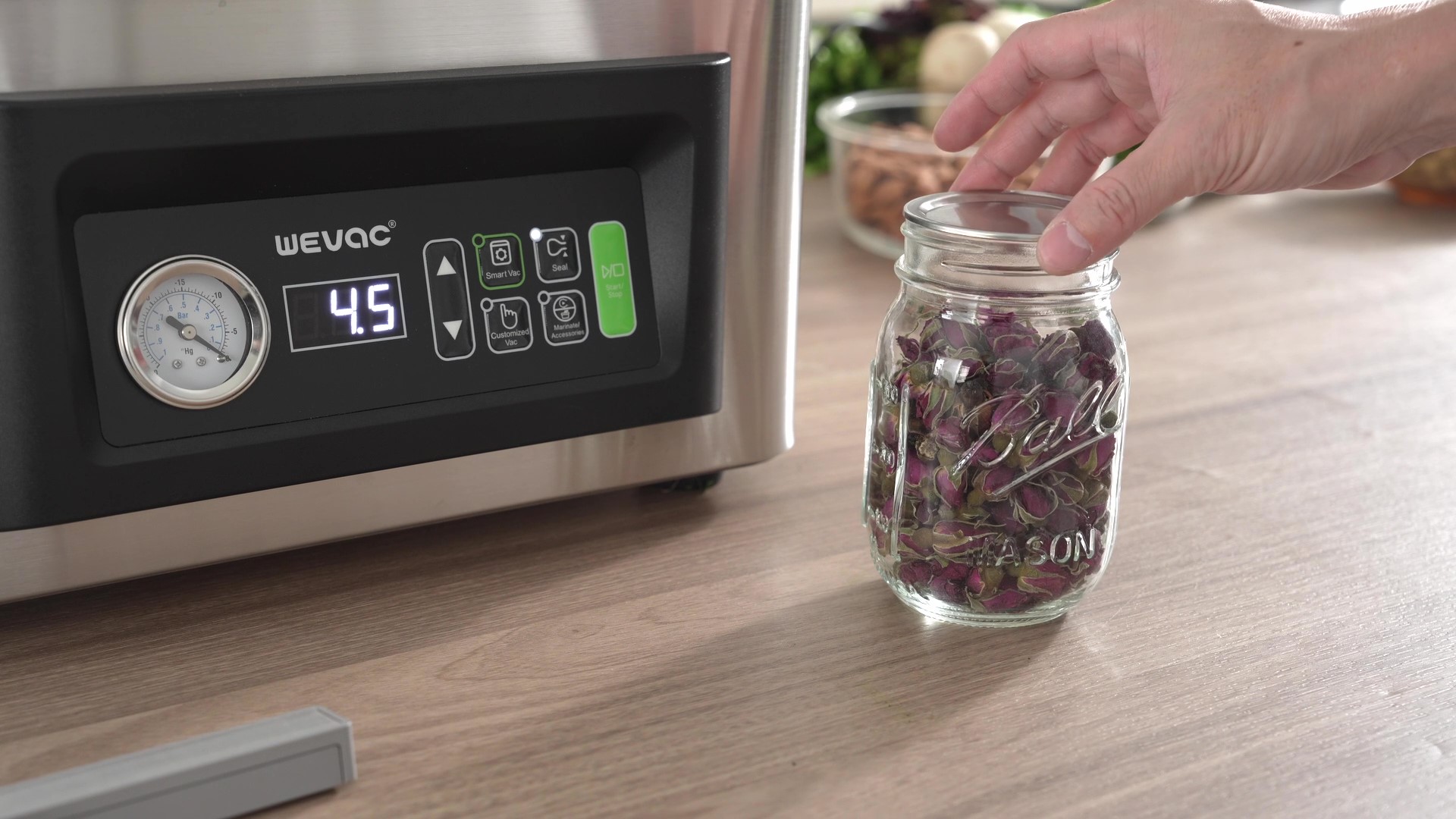
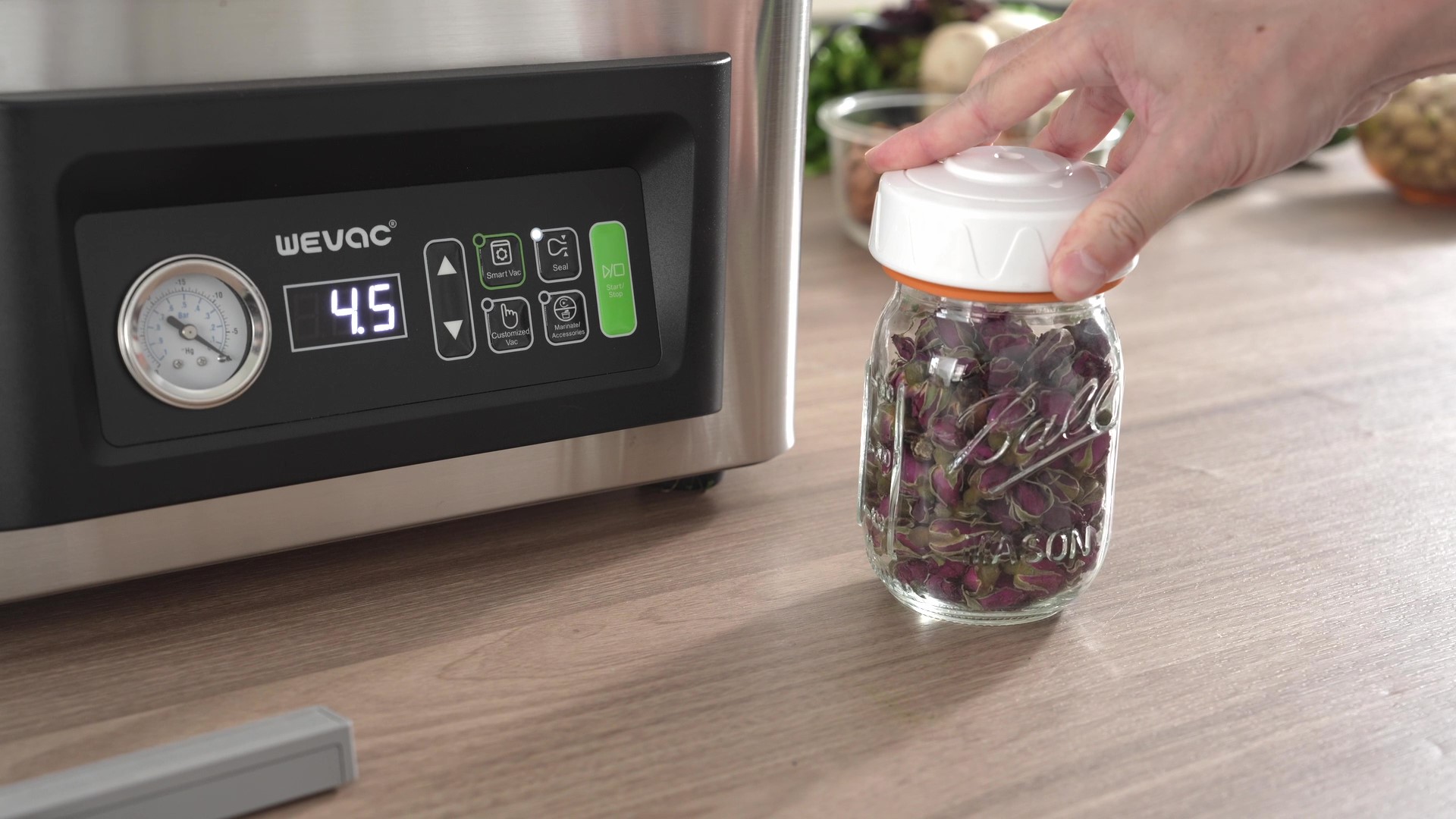
1. Place the lid on the Mason jar.
2. Attach the adapter to the Mason jar (without the outer ring)
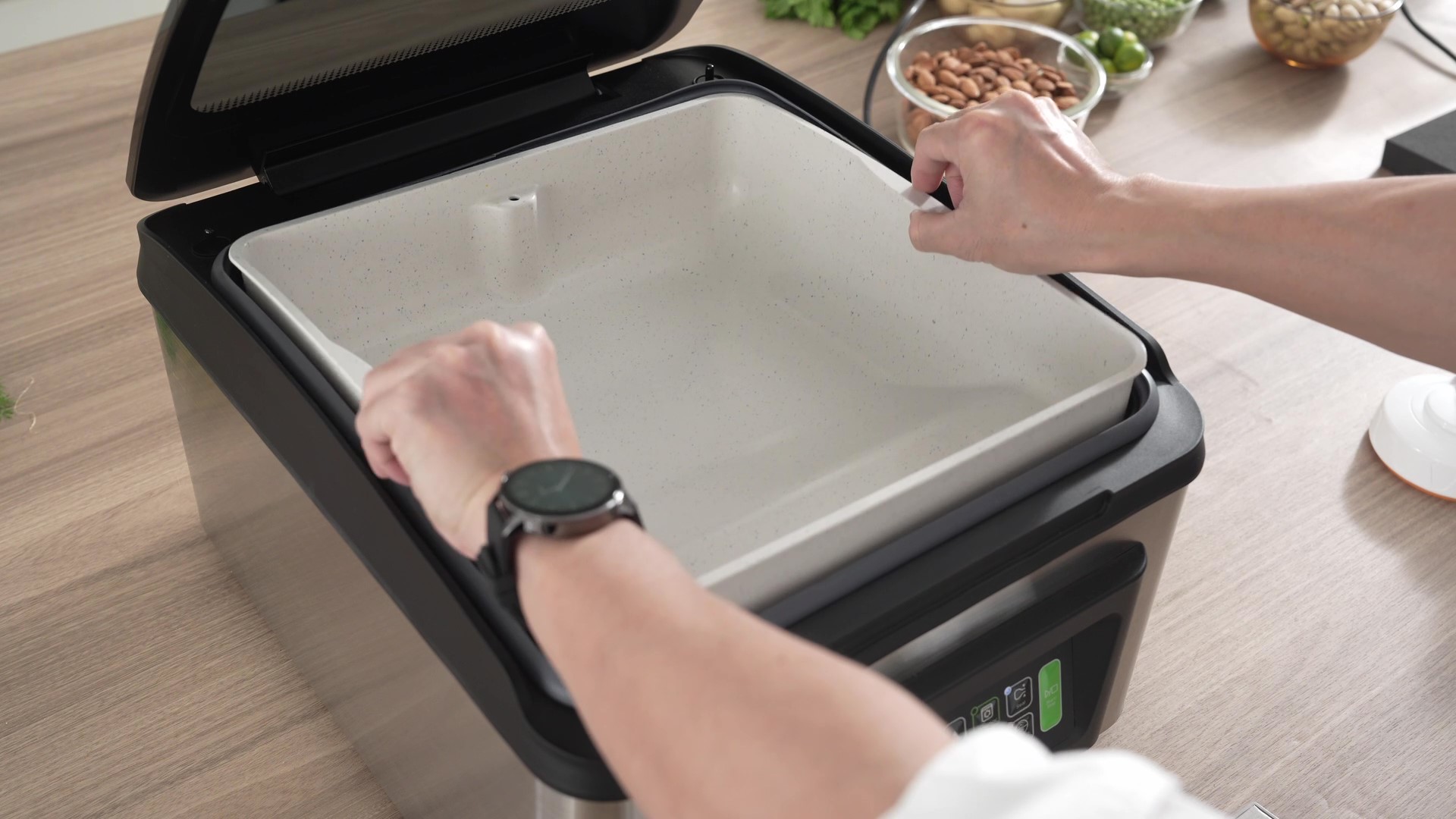
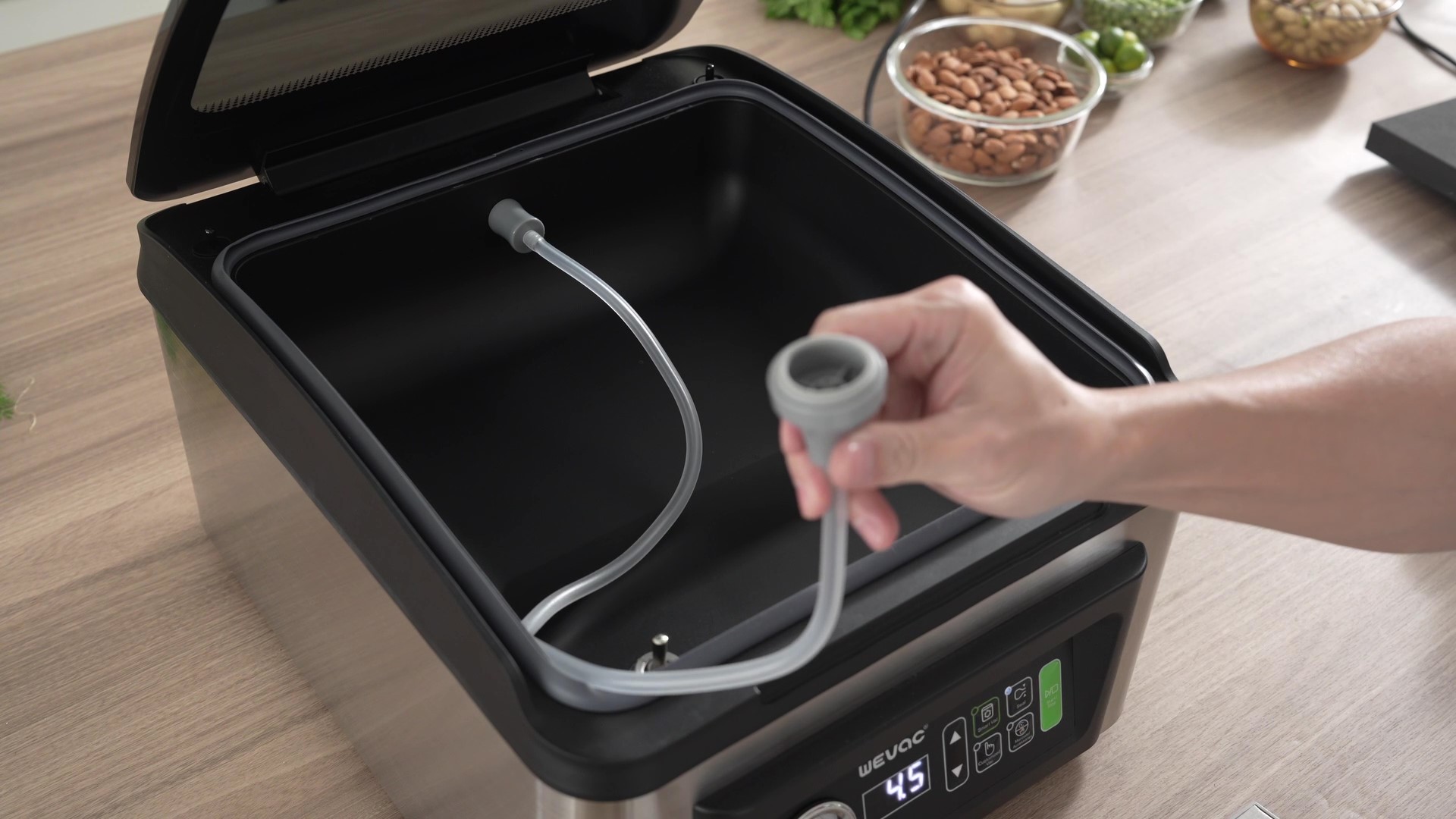
3. Remove the seal bar and tray.
4. Connect the hose between the port and the jar adapter.
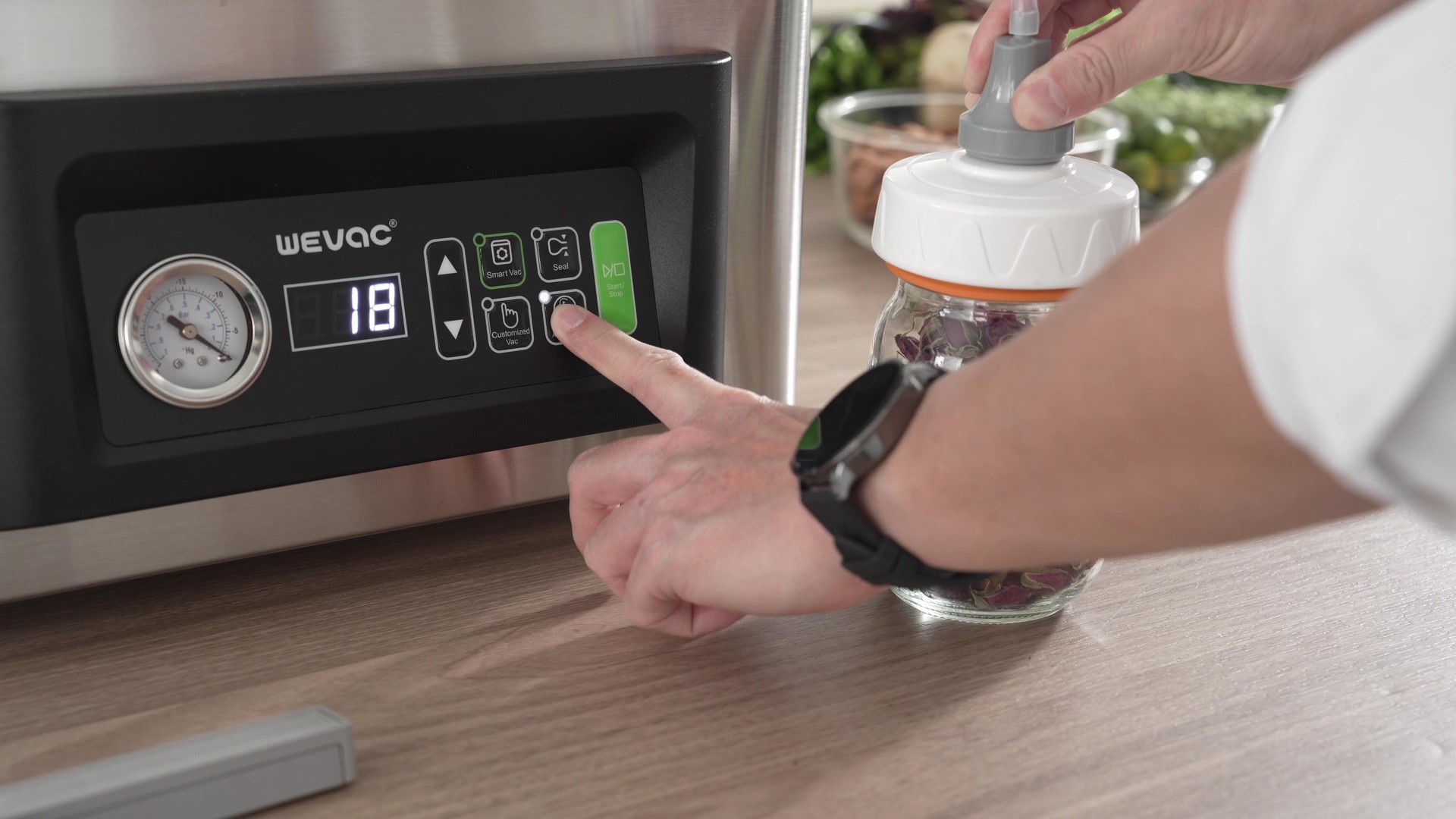
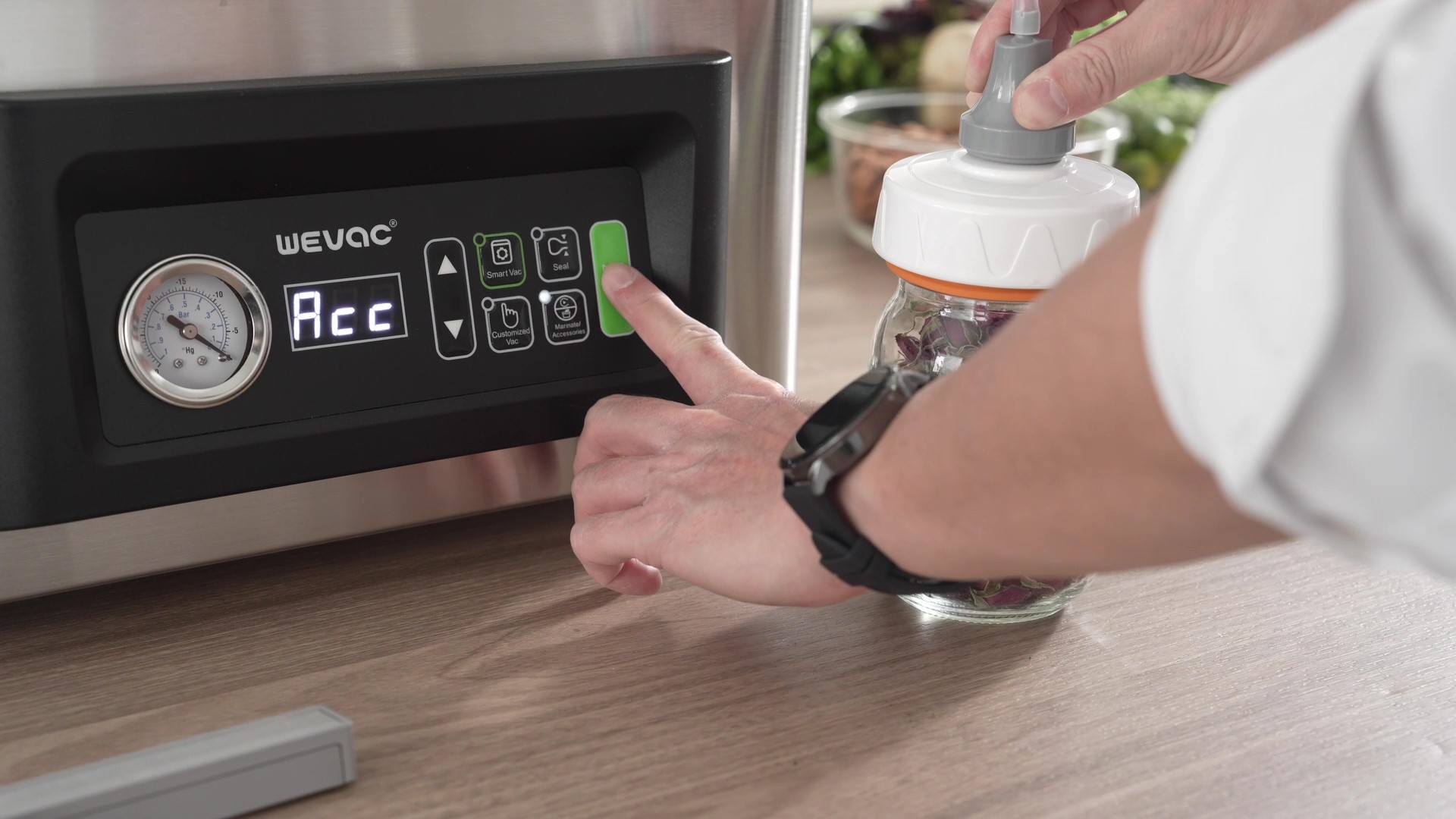
5. Press the Marinate/Accessories button until the display shows "Acc"
6. Press the Start/Stop button to begin vacuuming.
1. Place the lid on the Mason jar.
2. Attach the adapter to the Mason jar (without the outer ring)
3. Remove the seal bar and tray.
4. Connect the hose between the port and the jar adapter.
5. Press the Marinate/Accessories button until the display shows "Acc"
6. Press the Start/Stop button to begin vacuuming.
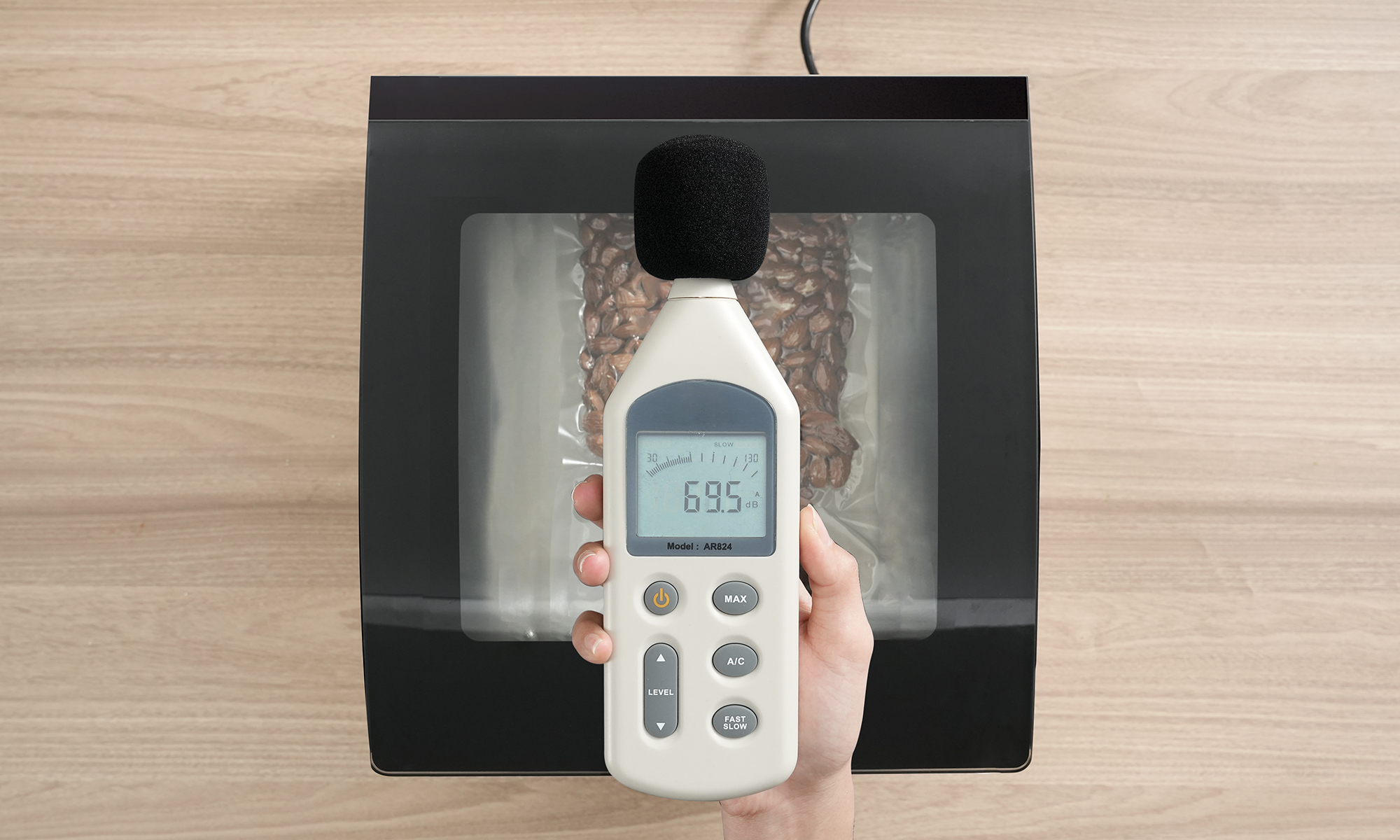
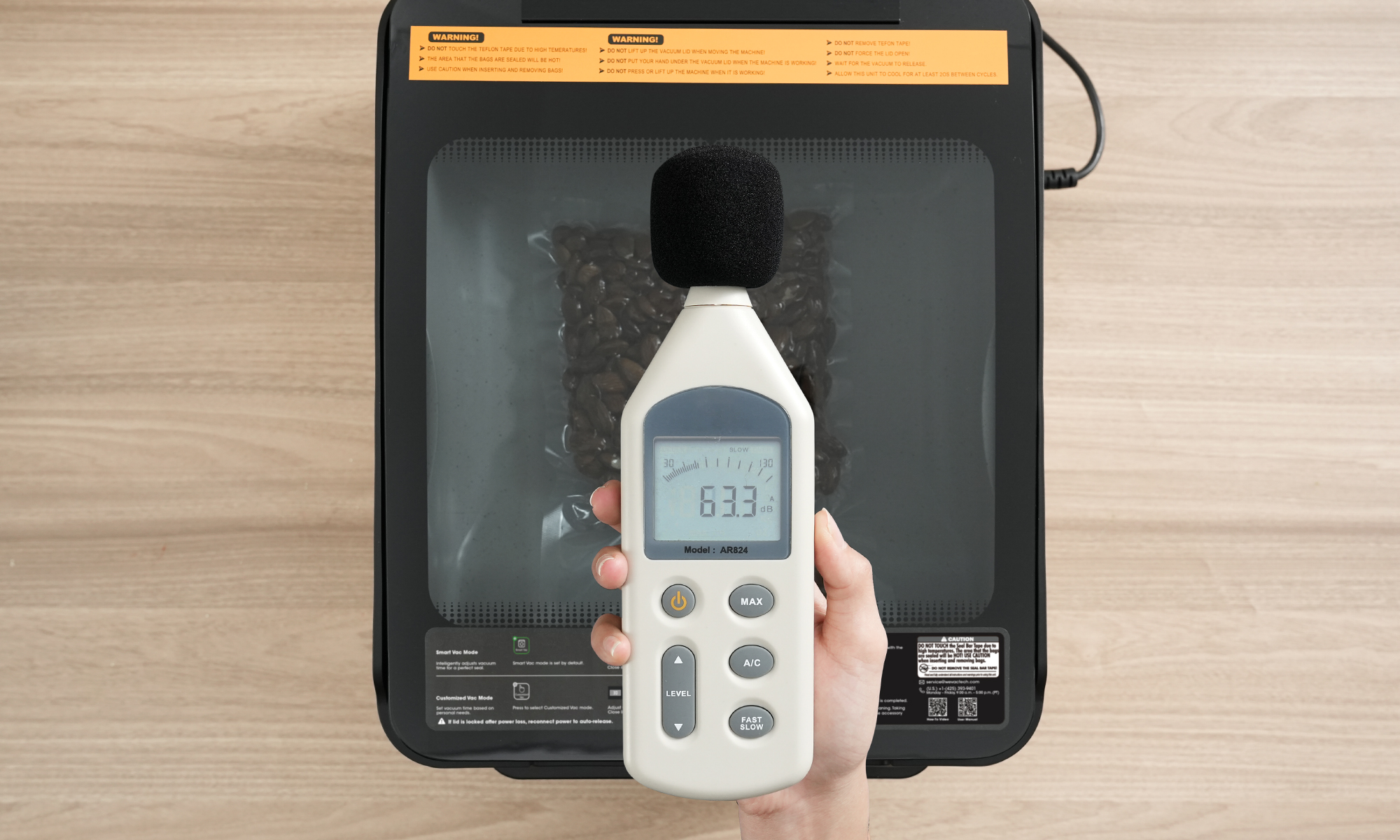
CV12 Pro (63.3 dB) vs. Competitor (69.5 dB). Noise measured at 3.3 ft. Results from internal test.
Others
CV12 Pro
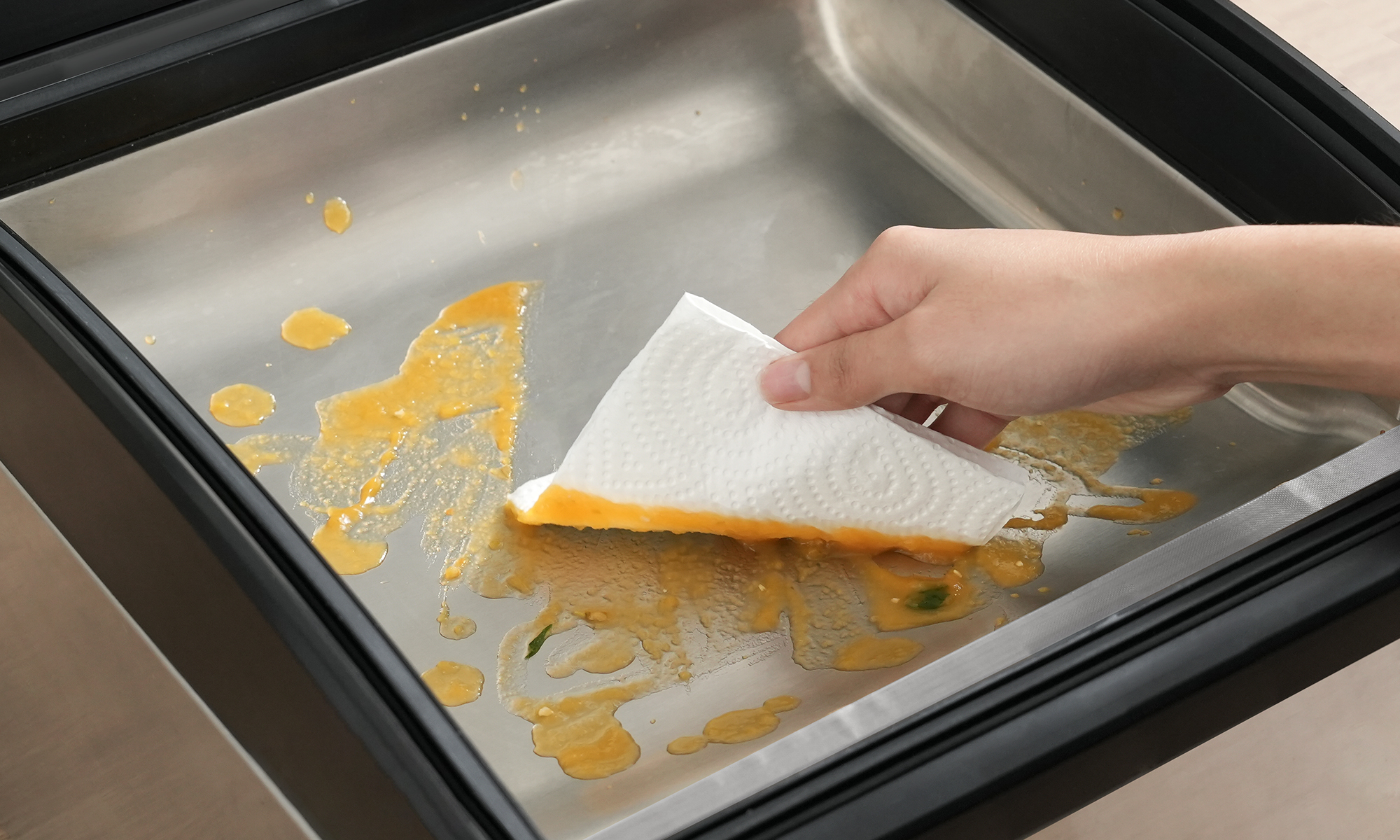
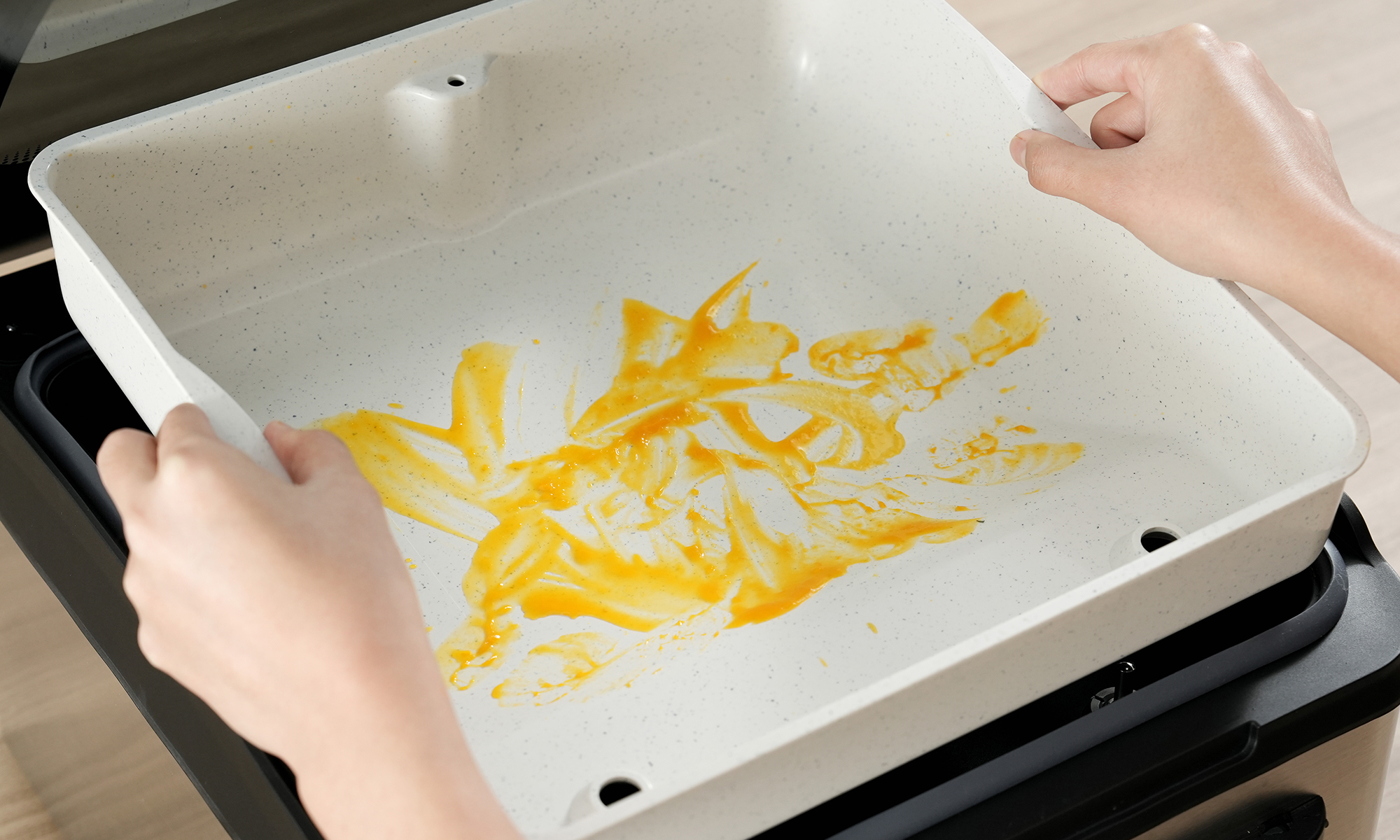
No more tedious wiping. The CV12 Pro features a removable, washable tray for easy cleaning.
Others
CV12 Pro
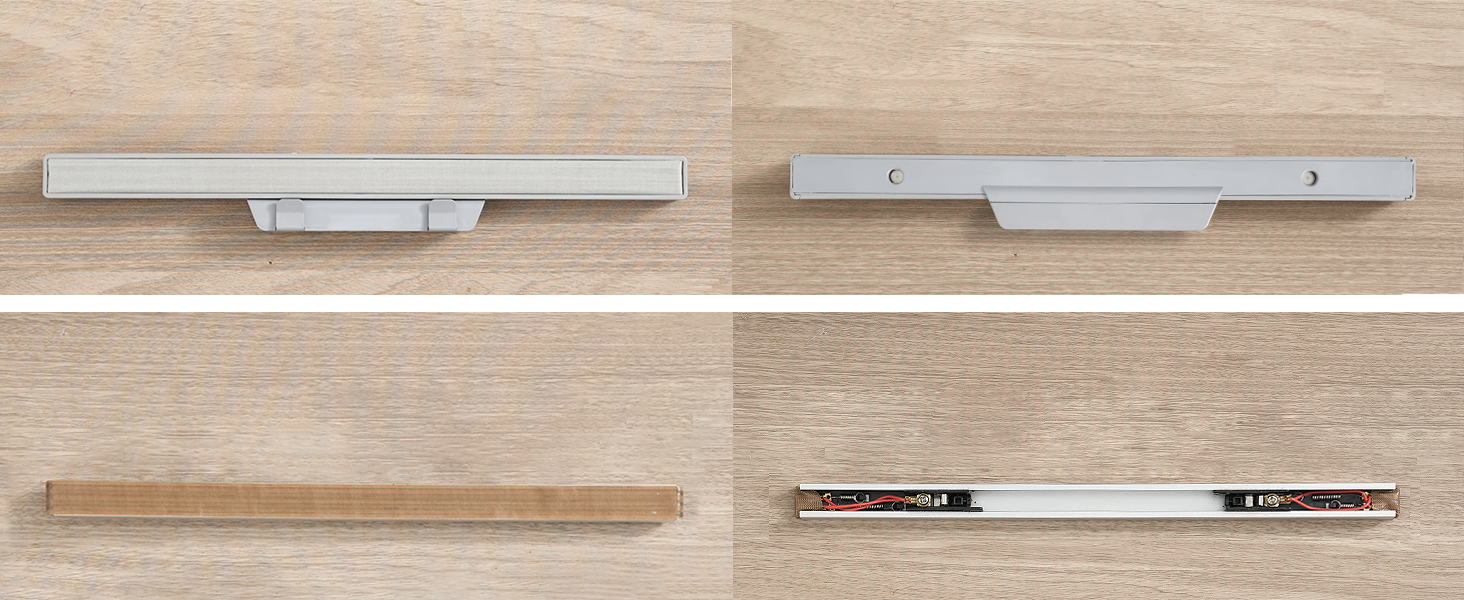
CV12 Pro Seal Bar (Top): Fully washable. Truly hygienic. No hidden grime. No odors.
Others (Bottom): Electronic parts exposed. Wipe-clean only. Hard to clean. Bacteria buildup.
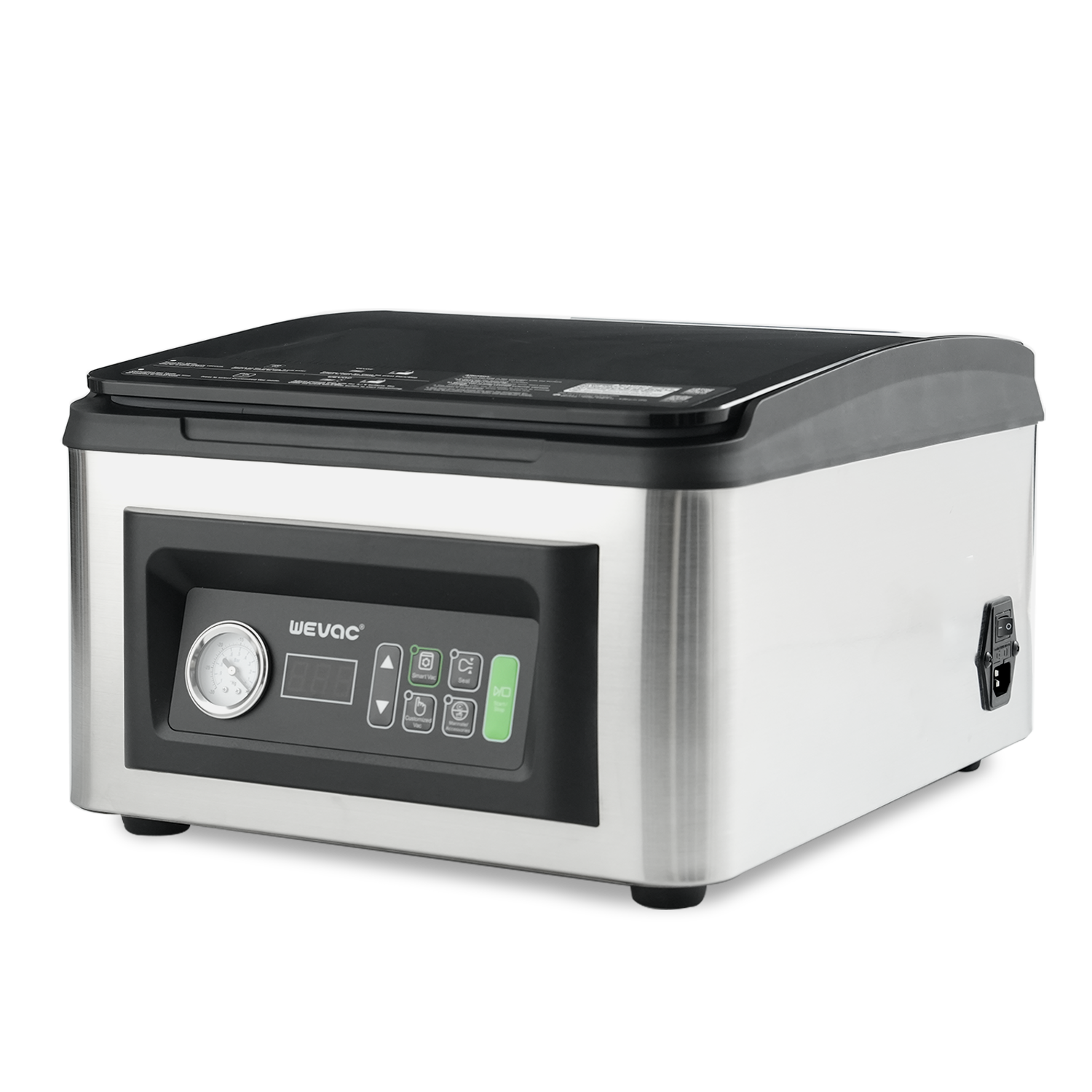
CV12 Pro
$499.00 |
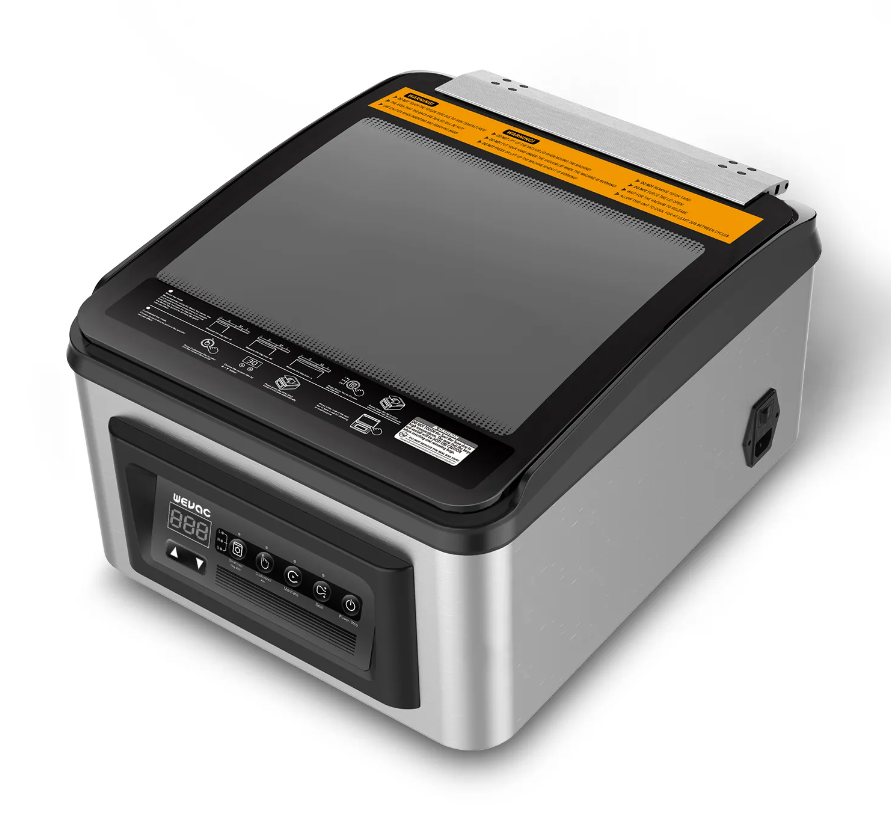
CV12
$449.00 |
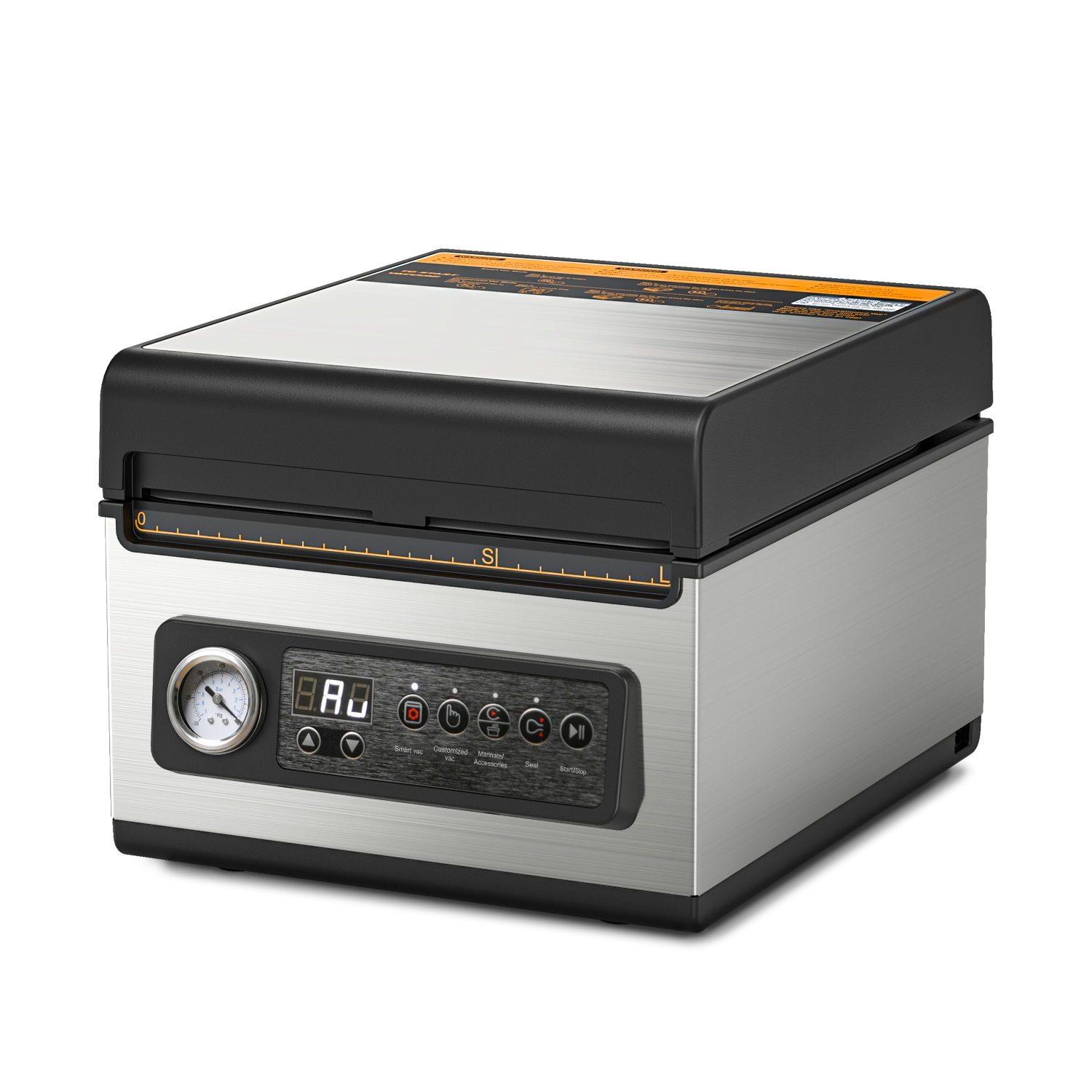
CV10
$299.00 |
|
|---|---|---|---|
| Chamber Dimensions | |||
| External Dimensions | |||
| Seal Bar | |||
| Seal Bar Length | |||
| Pump Speed | |||
| Vacuum Gauge | |||
| Mason Jar Adapters | |||
| Marinate Function | |||
| Vacuum Hose | |||
| Removable Tray |
Currently, the CV12 Pro is available exclusively in the United States. We plan to expand to more international markets soon. Stay tuned for updates!
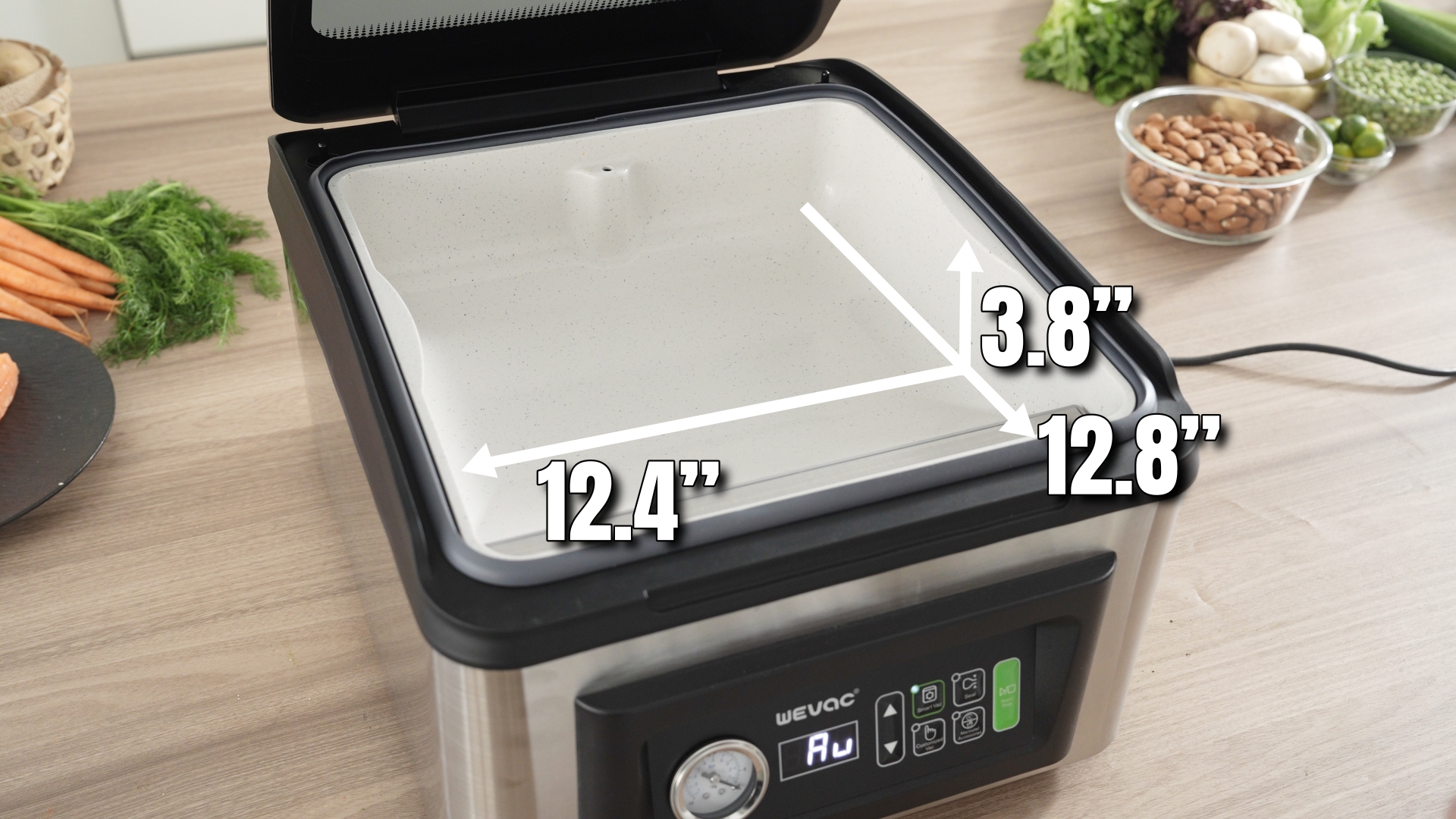
The maximum compatible bag width is 12”
The CV12 Pro features several professional-grade upgrades for a better user experience:
1. Stronger Pump: Faster and more powerful air extraction.
2. Upgraded Seal Bar: Removable, washable, and includes an extra replacement bar.
3. CleanTray: Removable tray for easy cleaning.
4. Vacuum Gauge: Real-time monitoring for precision.
1. Power on the machine to automatically enter Smart Vac Mode.
2. Place the Mylar bag in the chamber and tuck the bag's lower edge into the bag clip.
3. Press Seal button, then adjust the time to 8–9s with arrow buttons.
4. Close the lid and press Start/Stop button to initiate the sealing process.
Every CV12 Pro comes with a 2-year warranty.